
Two months ago, I bought skins from dbrand.
After using them for a while, I started noticing both the good and the bad parts.
So I thought I would write a short review.
This time, I applied skins to three devices:
- MacBook
- iPad mini
- iPad Pro
The total cost was $117.70 USD including shipping.
What is dbrand?
dbrand is a brand that sells skins for devices like smartphones and laptops.
By applying a thin adhesive skin, you can:
- customize the look of your device
- protect the surface from scratches
They have a wide lineup, especially for Apple products.
You can find skins for many devices like MacBooks and iPads.
It’s probably easier to understand if you see it on their website, so I recommend checking it out.
Why I Bought dbrand Skins
My reasons were simple.
- I wanted a consistent look across my Apple devices
- I wanted some protection from scratches
- But I didn’t want to use cases
Cases are convenient, but they also make devices:
- heavier
- thicker
I wanted to keep the original thinness of the devices.
That’s why I decided to try skins.
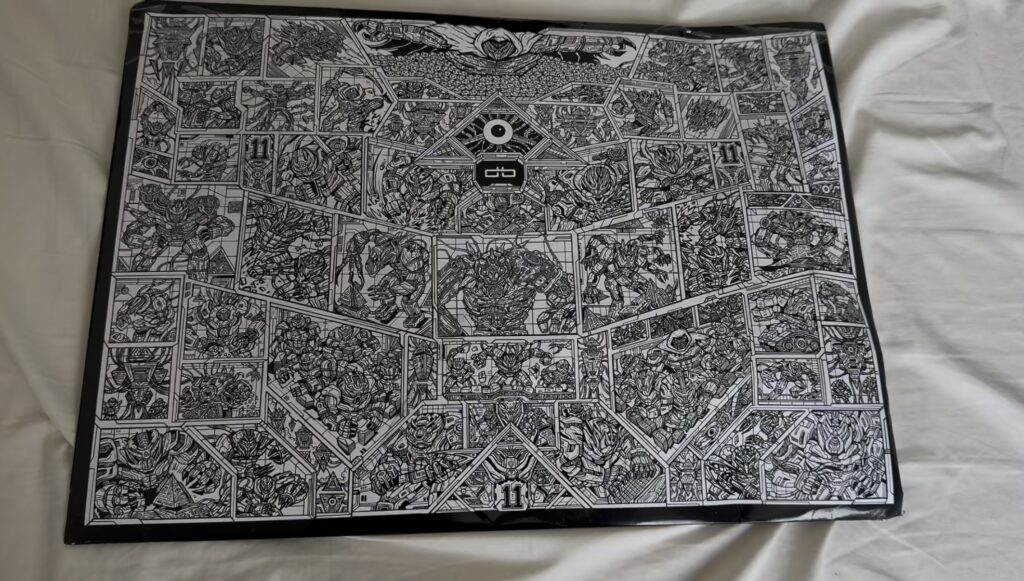
The dbrand packaging looks really cool
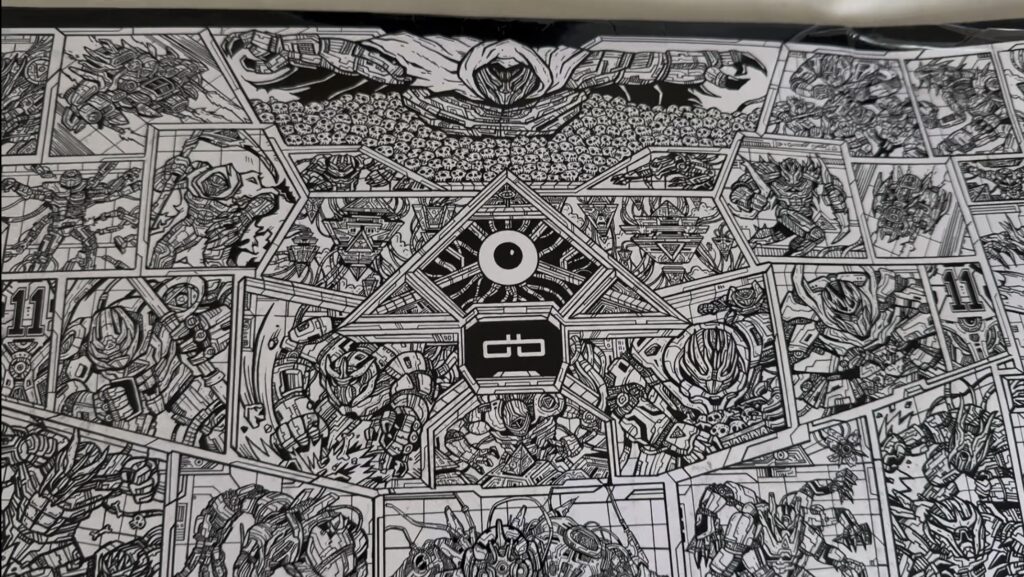
It kind of feels like something from Transformer
What I Bought
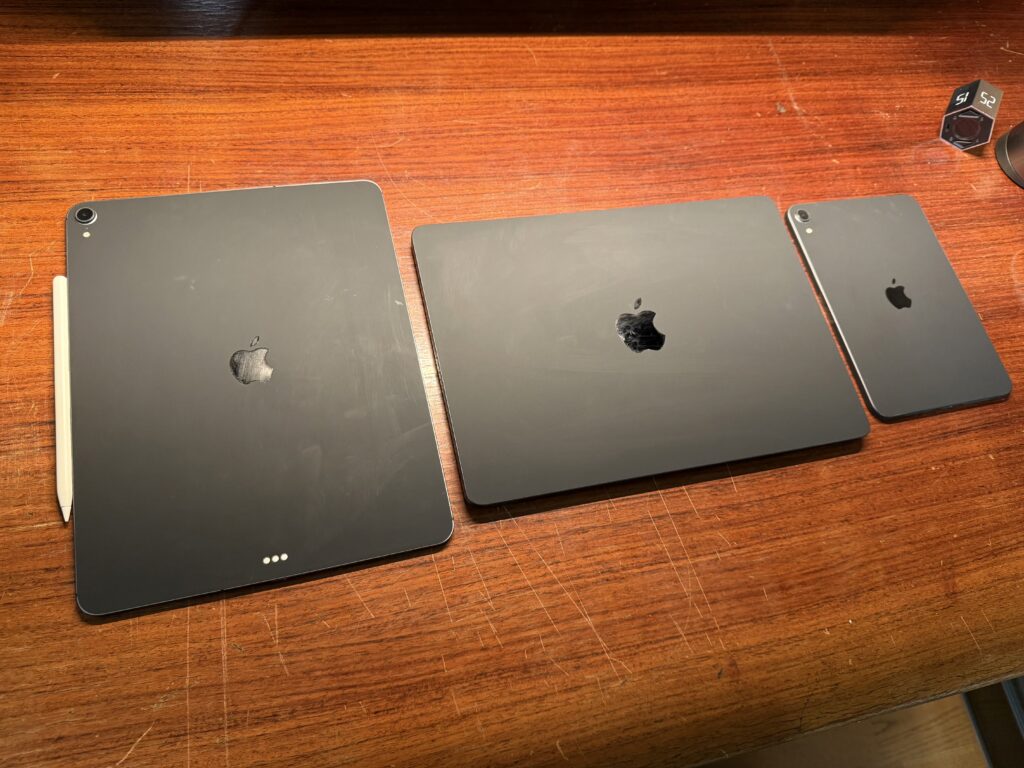
This time I chose Matte Black.
It’s a very simple design.
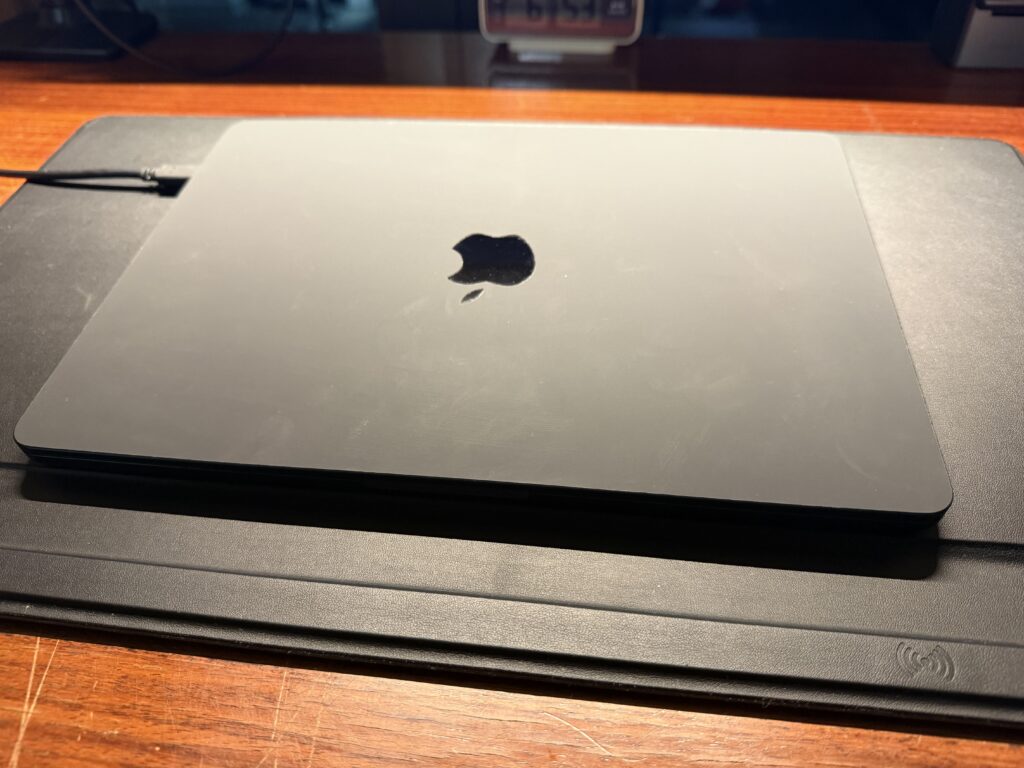
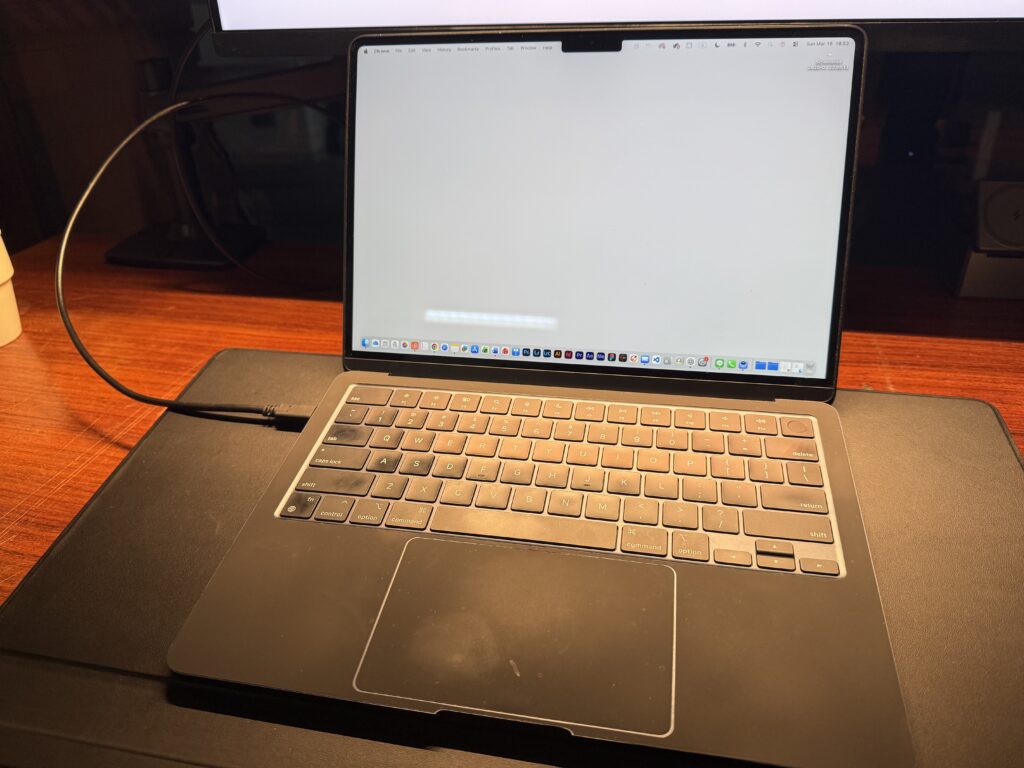
But when multiple devices sit together on the desk, the look becomes much more consistent.
Installation
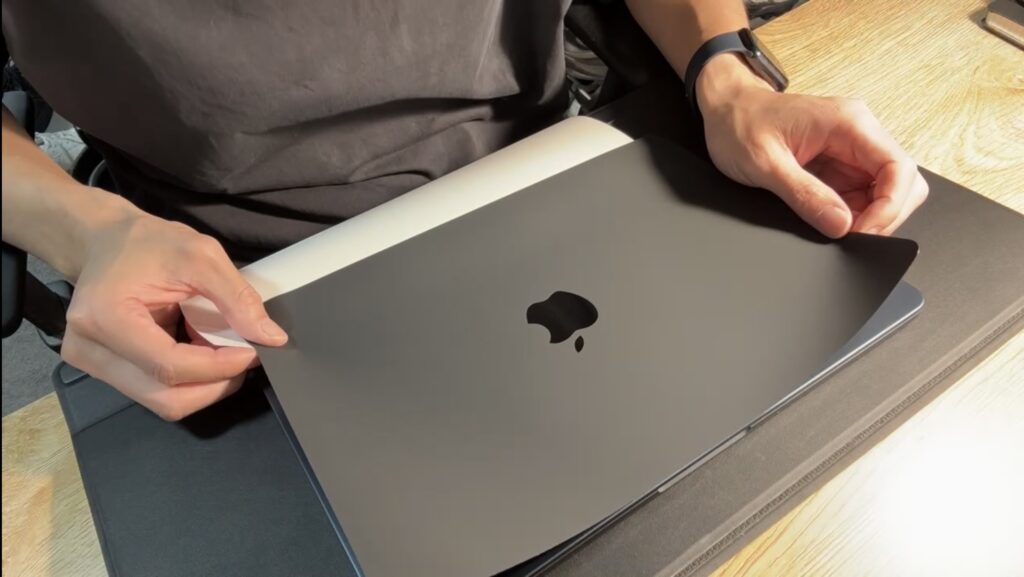
To be honest, installation was a little difficult.
The tricky parts were:
- aligning the skin straight
- avoiding air bubbles
The MacBook was relatively easy.
But the iPad required a bit more patience because the surface is larger.
The good thing is that the skins can be repositioned.
If you take your time, it should be fine.
What I Like
A consistent look
This is my favorite part.
Once the MacBook, iPad, and iPad mini all had the same skin,
my desk setup started to look much more unified.
If you like a minimal desk setup, this makes a noticeable difference.
Wide device support
dbrand supports a lot of devices.
Not only newer models, but also some older Apple products.
This is nice if you tend to keep your devices for a long time.
Very thin
The skins are very thin.
Compared to cases:
- the weight barely changes
- the size stays almost the same
It still feels very close to using the device without a case.
Some scratch protection
Of course, it’s not perfect protection.
But it helps prevent:
- small scratches
- light surface damage
If you feel a bit nervous about using devices completely bare, this can be a good middle ground.
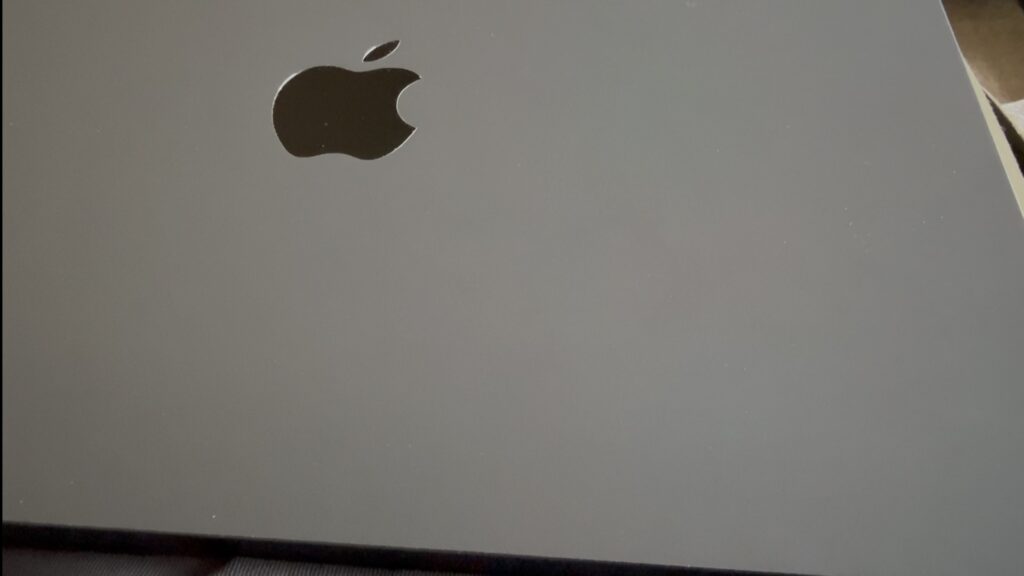
Nice texture
The Matte Black texture feels very good.
It has a soft, smooth surface that’s pleasant to touch.
Personally, I really like it.
What I Didn’t Like
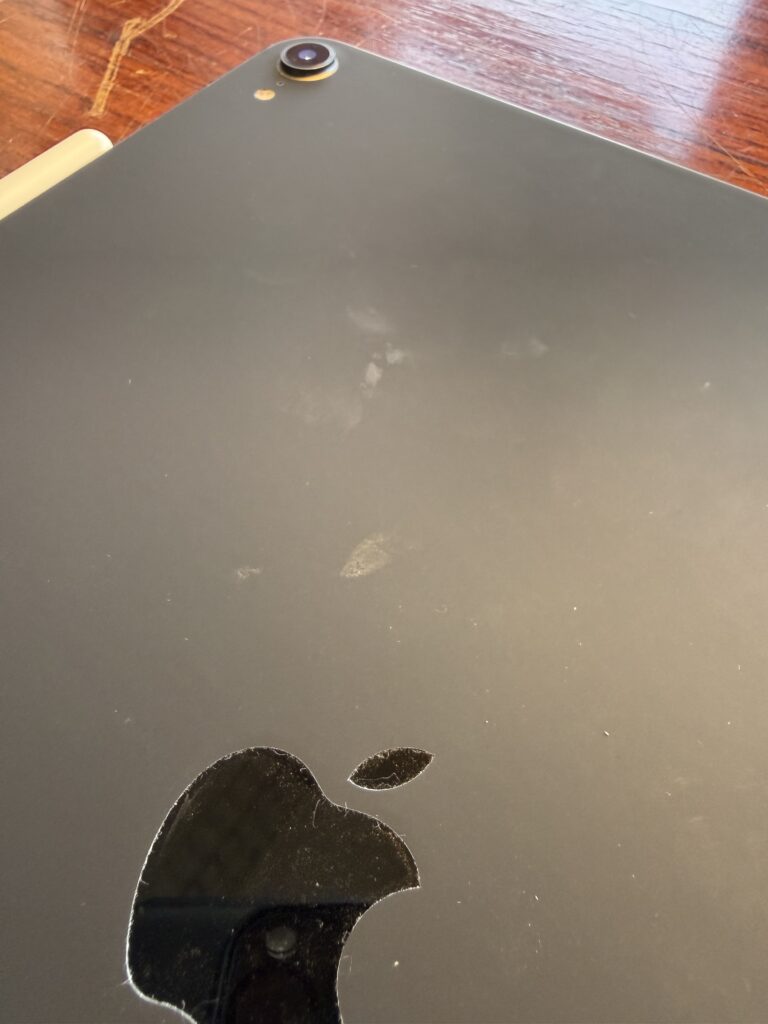
Dirt is noticeable
Matte Black tends to show fingerprints and dirt.
Under bright light, you can sometimes see where your fingers touched.
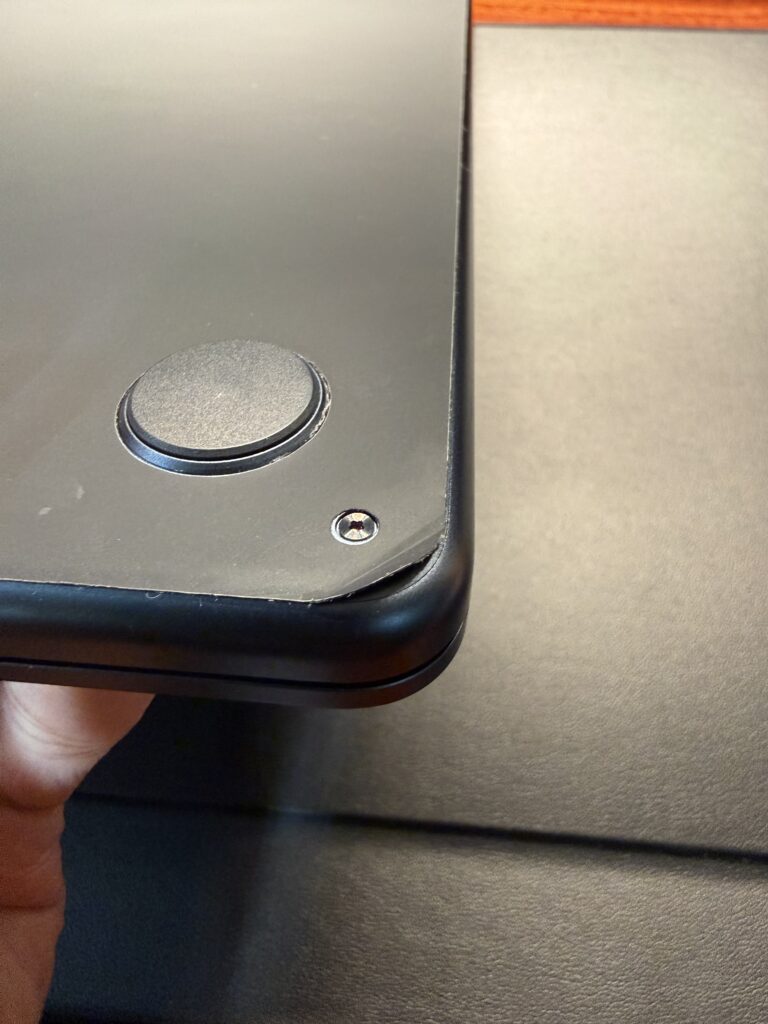
The corners started peeling
After about two months, I noticed something.
Some of the corners started lifting slightly.
This seems to happen more when:
- putting the device into a bag
- sliding it in and out of sleeves or cases
The edges appear to be the weakest point.
Air bubbles appeared on a flight
This surprised me a little.
When I was on an airplane, small air bubbles appeared under the skin.
I think it was caused by the change in air pressure.
Even after some time, the bubbles did not disappear.
I also couldn’t push them out.
That was a bit frustrating.
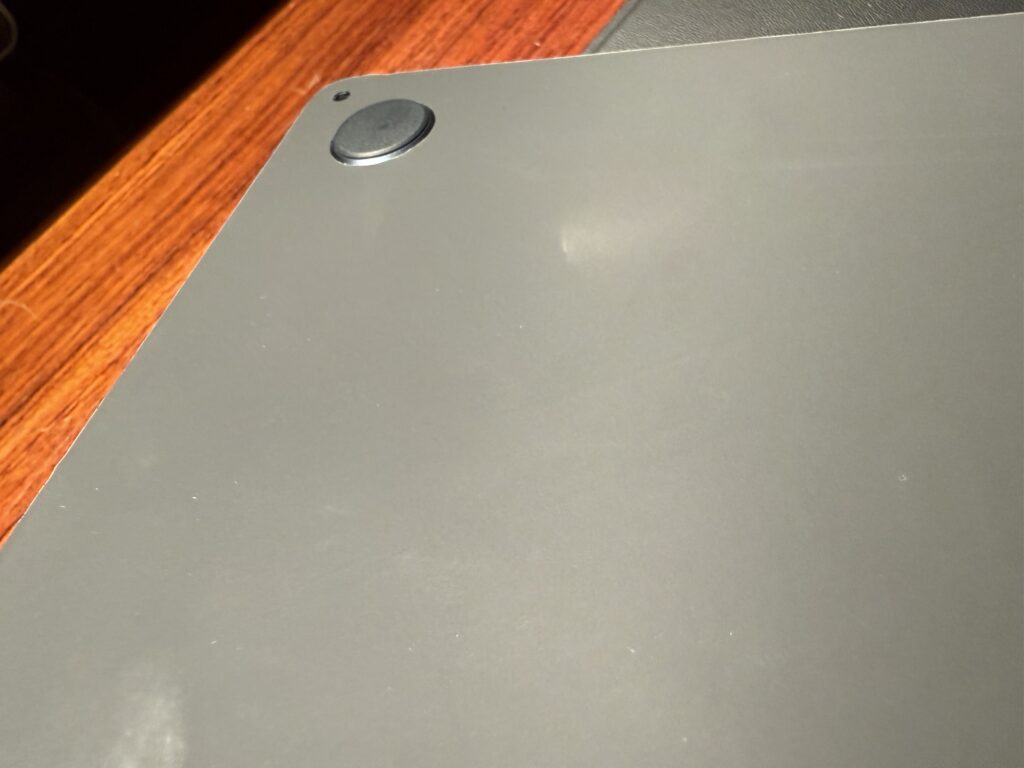
It’s hard to see in the photo, but some small bubbles have formed
The material feels a bit soft
Personally, the skin material feels a bit soft.
Because of that, it might lead to things like:
- corners peeling
- air bubbles forming
Final Thoughts
Overall, dbrand skins are very satisfying if your goal is to customize the look of your devices.
However:
- the price is a bit high
- durability feels a little questionable
The softness of the material might affect long-term durability.
Still, if you want to:
- unify the look of your Apple devices
- avoid using bulky cases
dbrand skins can be an interesting option.