
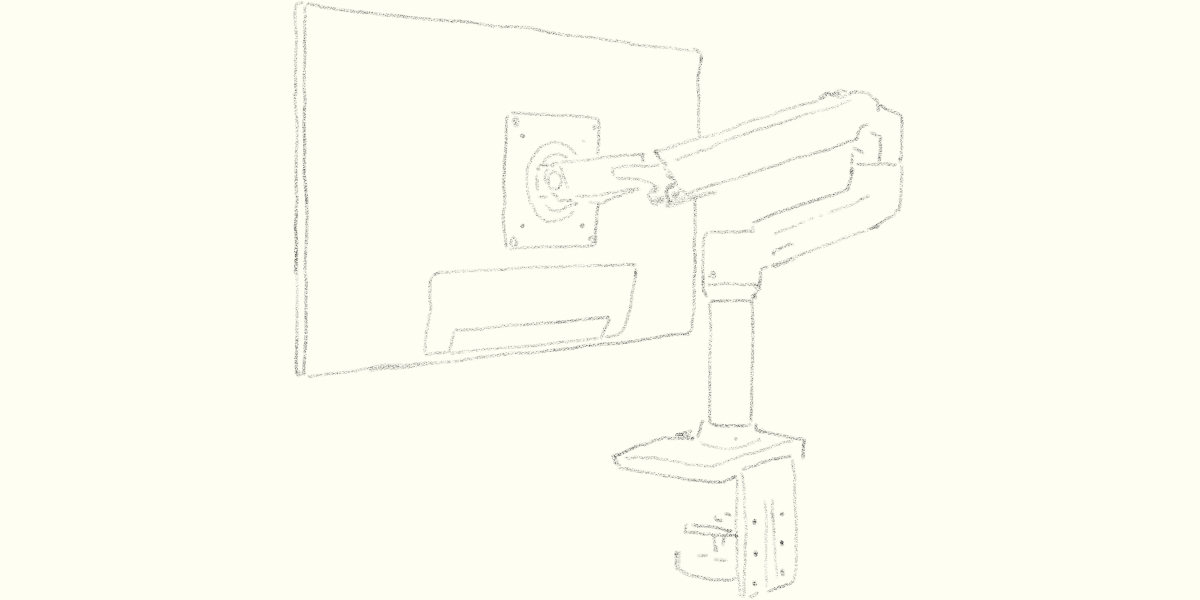
Recently, I bought a monitor arm from Ergotron.
After using it for about two months, I wanted to share my honest thoughts.
What Is Ergotron?
Ergotron is an American brand founded in 1982.
It is known for ergonomic products such as monitor arms and standing desks.
Their products are designed to create more comfortable work environments while balancing both function and design.
Among their lineup, one of the most popular products is the LX Desk Mount Arm, which I’m reviewing today.
LX Desk Mount Arm: Basic Features
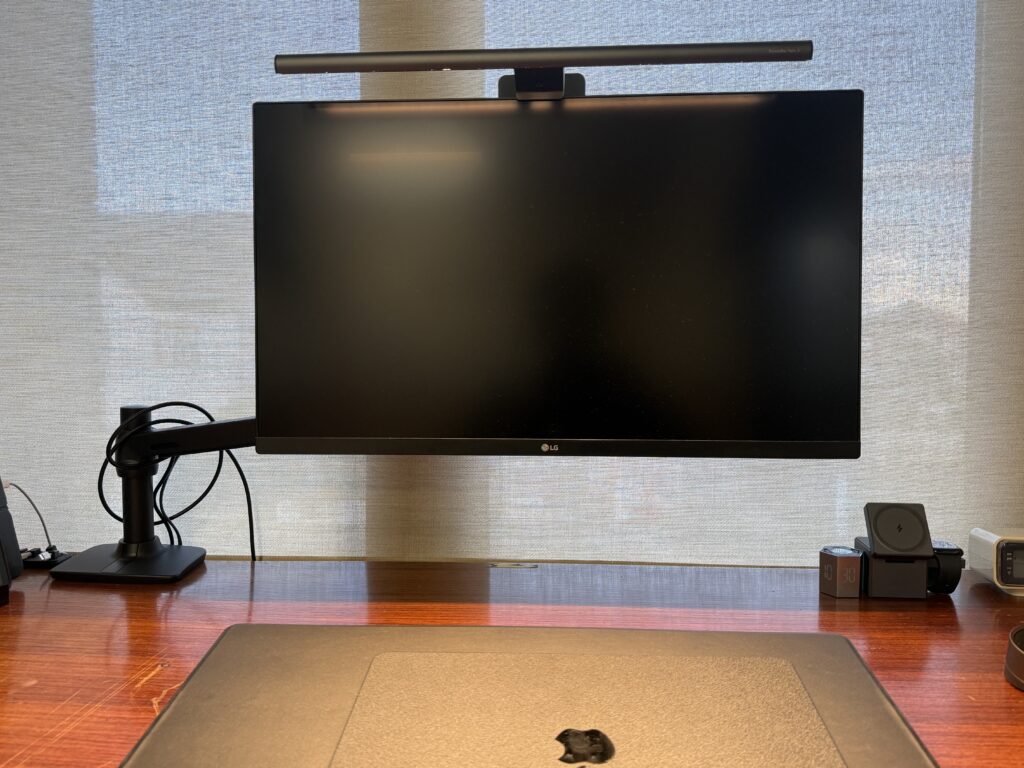
The Ergotron LX Desk Mount Arm is known for its flexibility and stability.
Here are the main specifications:
- Tilt range: up to 75° (70° upward / 5° downward)
- 360° pan rotation
- 330mm height adjustment range
- 640mm extension reach
- Built-in cable management
The wide range of movement allows you to position your monitor exactly where you want it.
The built-in cable management also helps keep your desk clean and organized.
Why I Bought a Monitor Arm
The reason was simple.
I wanted to work with a larger monitor comfortably.
I spend long hours writing blog posts, working on design projects, and editing videos.
Because of that, my workspace matters a lot.
But large monitors come with one problem:
visual pressure.
Large screens are useful, but they also take up a lot of visual space.
When a desk feels crowded, I find it harder to focus.
I prefer keeping visual information minimal whenever possible, so this became a surprisingly important issue for me.
That is why I chose the Ergotron LX.
By lifting the monitor off the desk, it offers several advantages:
- More usable desk space
- A cleaner appearance
- Less visual pressure
The price is not cheap.
Still, I decided to treat it as an investment in my workspace.
What I Like About It
More Desk Space
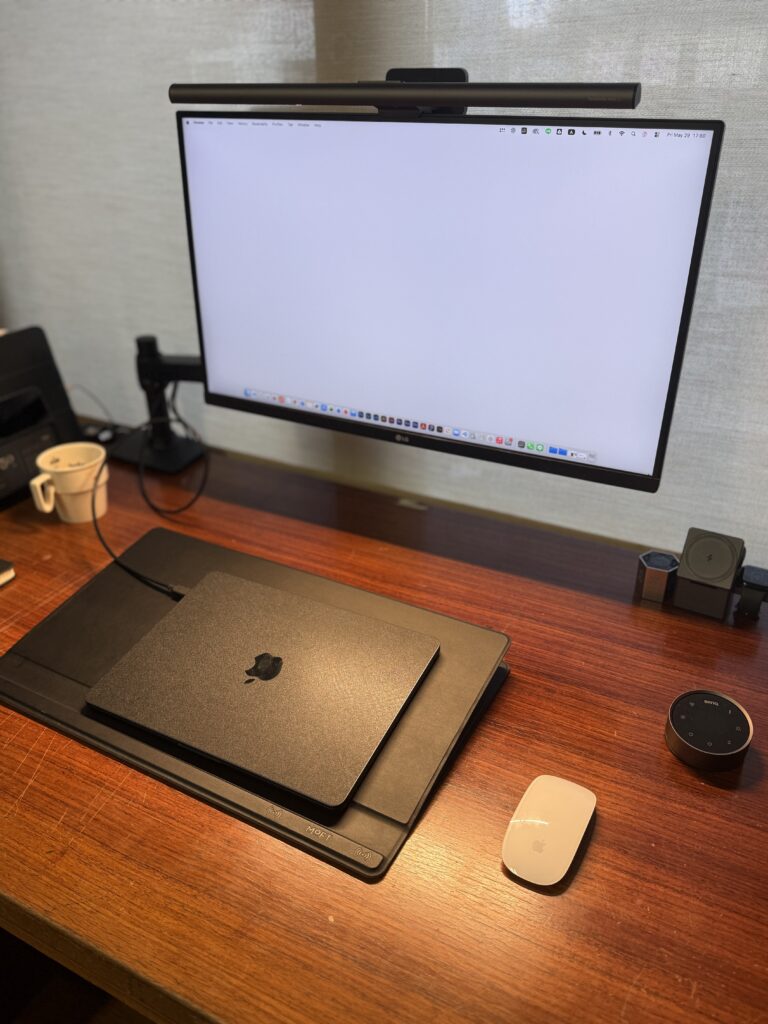
This is probably the biggest benefit.
Because the monitor is lifted, the space underneath becomes usable.
I can place notebooks or small items below it, and the desk simply feels larger.
Visually, it also looks much cleaner.
For me, this change alone made a noticeable difference.
Cable Management
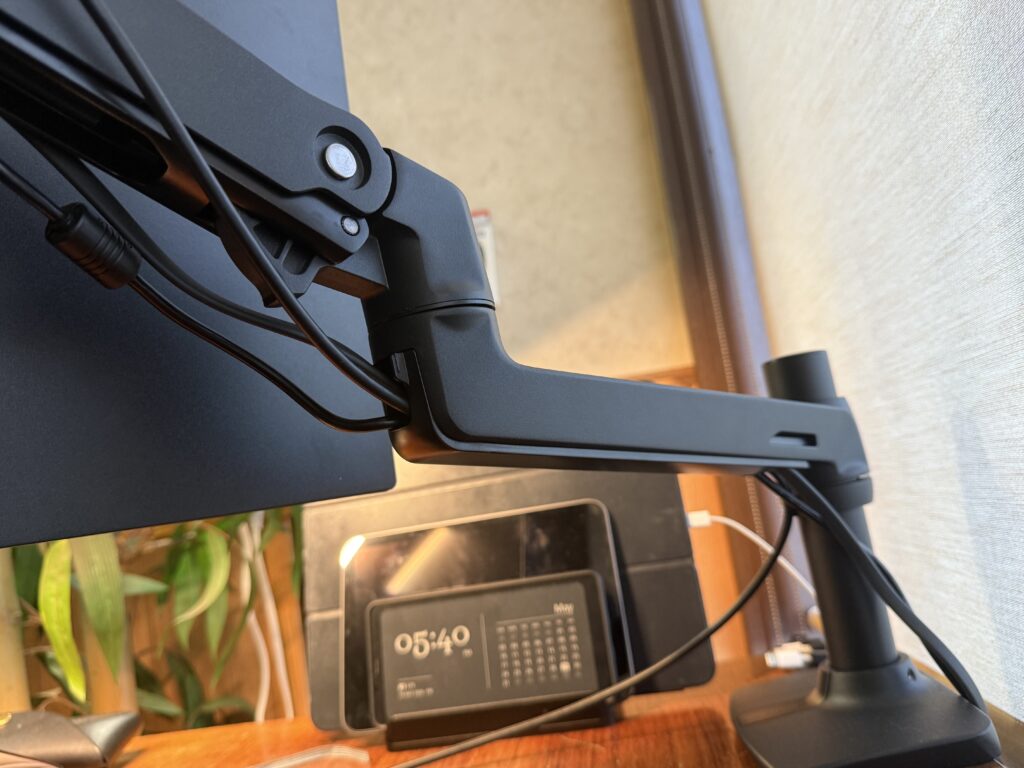
The LX includes cable covers.
This turned out to be more useful than I expected.
Monitor setups can quickly become messy because of cables, but the built-in cable routing helps hide them and keeps the setup looking clean.
I think cables have a bigger impact on a desk’s appearance than people realize.
If you prefer a minimal setup, this is a nice feature.
Strong and Stable
My monitor is fairly heavy.
Even so, the LX holds it securely.
The arm feels extremely solid and stays stable once positioned.
Another reassuring point is the 10-year warranty.
It feels less like a disposable accessory and more like a long-term tool.
Smooth Height Adjustment
What surprised me most was how smooth the movement is.
The arm feels sturdy, but when you want to adjust it, it moves effortlessly.
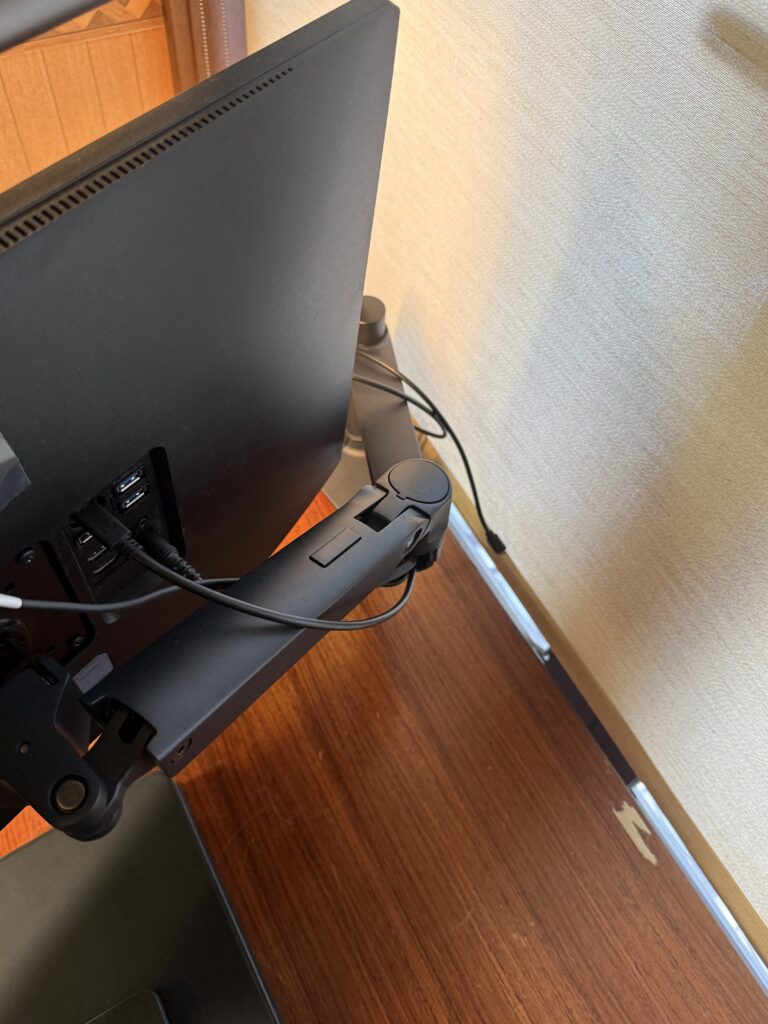
Because of that, I actually reposition the monitor more often than I expected.
It makes it easy to fine-tune things:
“Maybe slightly higher.”
“Maybe a little closer.”
As a result, finding a comfortable position feels natural.
Things to Know Before Buying
It Depends on Your Desk
This is something to check before buying.
The LX requires enough desk thickness and mounting space.
Some smaller desks may not be compatible.
In certain cases, you may need to drill a hole for mounting.
The clamp requires approximately 5cm wide × 7cm deep of installation space.
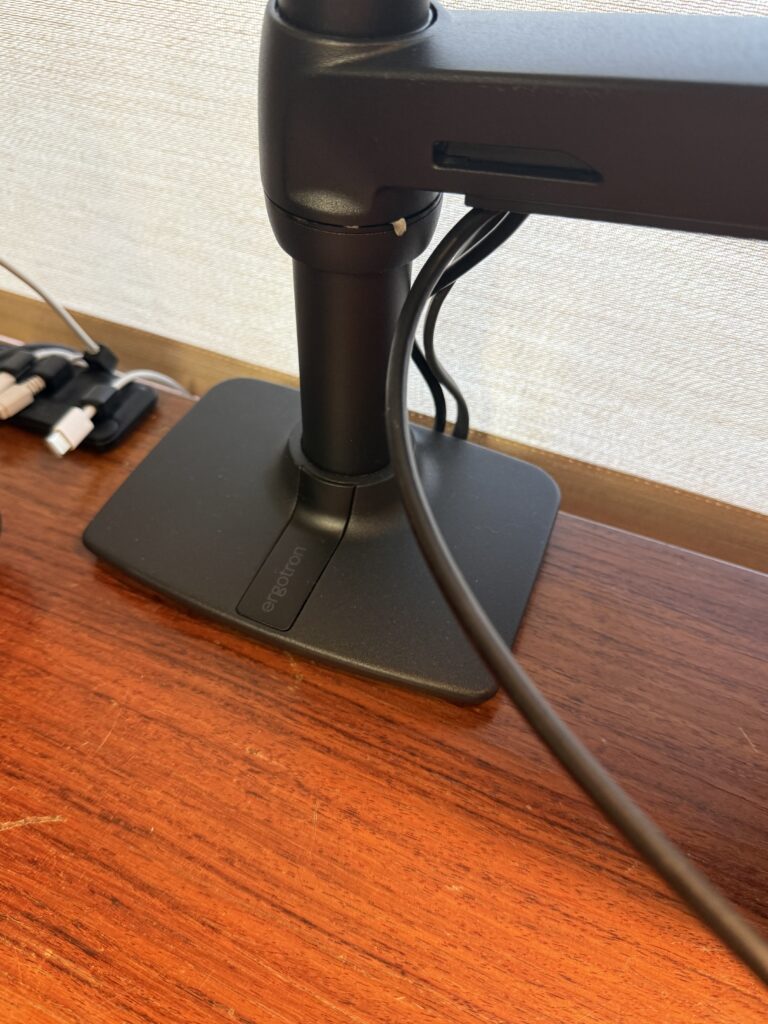
So it is worth checking your desk carefully beforehand.
Final Thoughts
The Ergotron LX is definitely not cheap.
But after two months of use, I feel it was a good purchase.
Some cheaper monitor arms have limited adjustability or questionable durability.
Personally, I would rather buy one solid arm than replace lower-quality ones repeatedly.
More than anything, this arm reduced the visual noise on my desk.
And for someone who spends long hours working, that made a bigger difference than I expected.
Check current price on Amazon