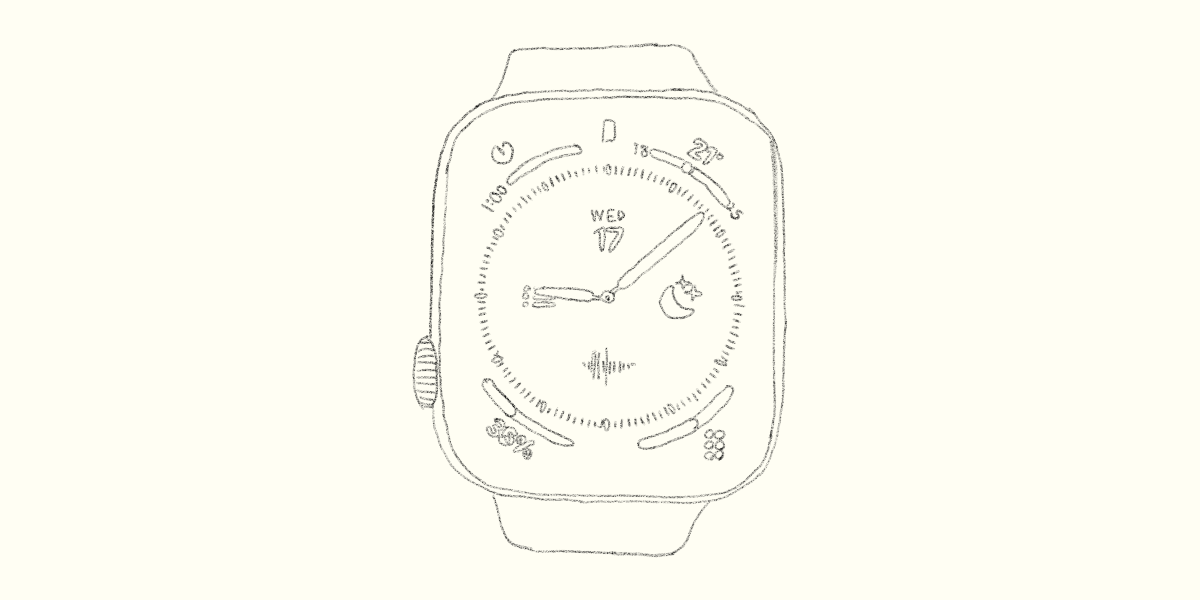
In this article, I’ll explain the best apple watch faces I arrived at after using an Apple Watch for three years.
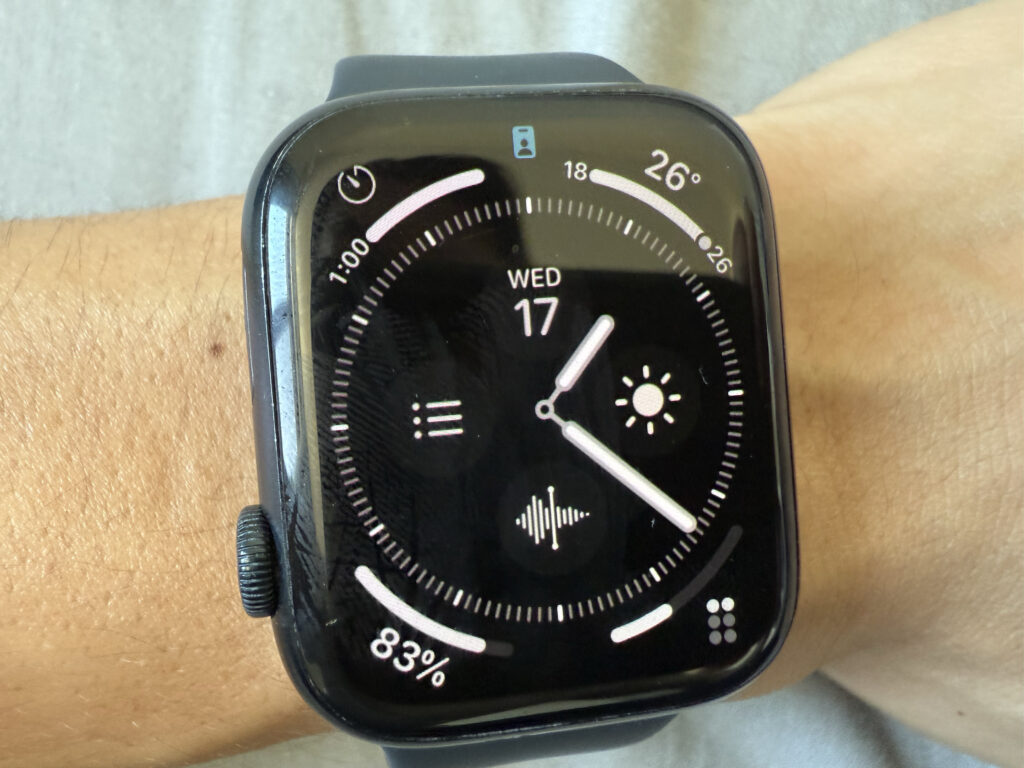
This is the watch face I’m currently using.
Why I Use an Apple Watch
Before getting into watch faces, I’d like to explain why I use an Apple Watch in the first place.
The reason is simple: the best watch face depends entirely on your purpose.
My reason for using an Apple Watch is that it works extremely well as a digital detox tool.
That might sound a little unexpected, so let me explain.
Why I Use the Apple Watch as a Digital Detox Tool
I use the Apple Watch for digital detox because tools that increase productivity and tools that reduce it coexist on the smartphone.
For example, you open your phone to check your schedule, and before you know it, you’re scrolling through social media.
This happens all the time.
Even though we know this behavior lowers productivity, it’s surprisingly hard to stop.
That’s where the Apple Watch comes in.
By installing only productivity-focused apps on the Apple Watch, I can significantly reduce the chances of touching apps that distract me.
For me, the best apple watch faces are the ones that support this goal.
My Apple Watch Face Setup
What I value most is placing as many essential tools as possible directly on the watch face.
The Apple Watch screen is small, and searching for apps is inconvenient.
To solve this, the watch face I recommend is Infograph.
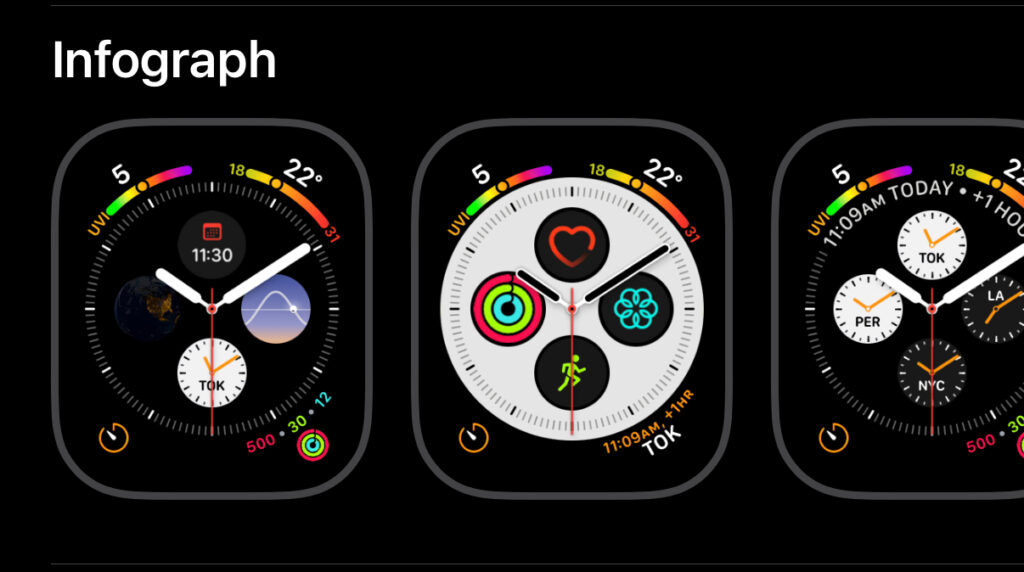
Infograph is especially convenient because it allows you to display up to eight tools at once.
You can select it directly from the Face Gallery in the Watch app.
It allows you to display many tools while keeping the design clean and easy to read.
Now, let me walk you through the details of my Apple Watch face.
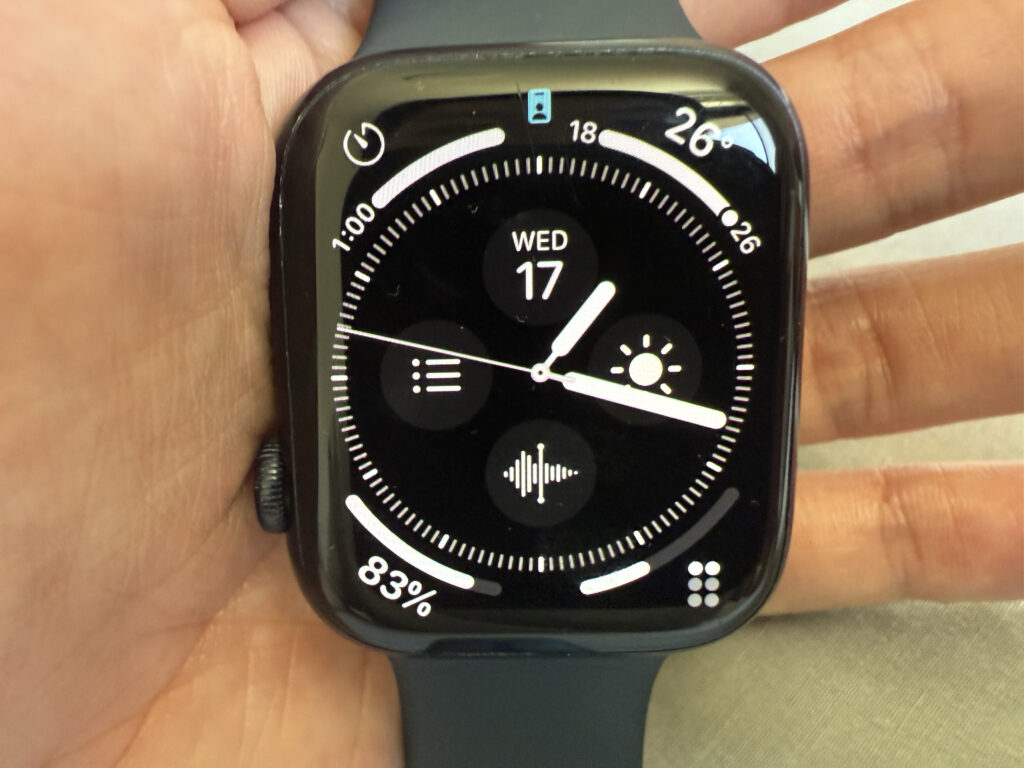
The watch face I’m using. I keep it in black and white because colorful faces feel too stimulating and distracting.
Top Left
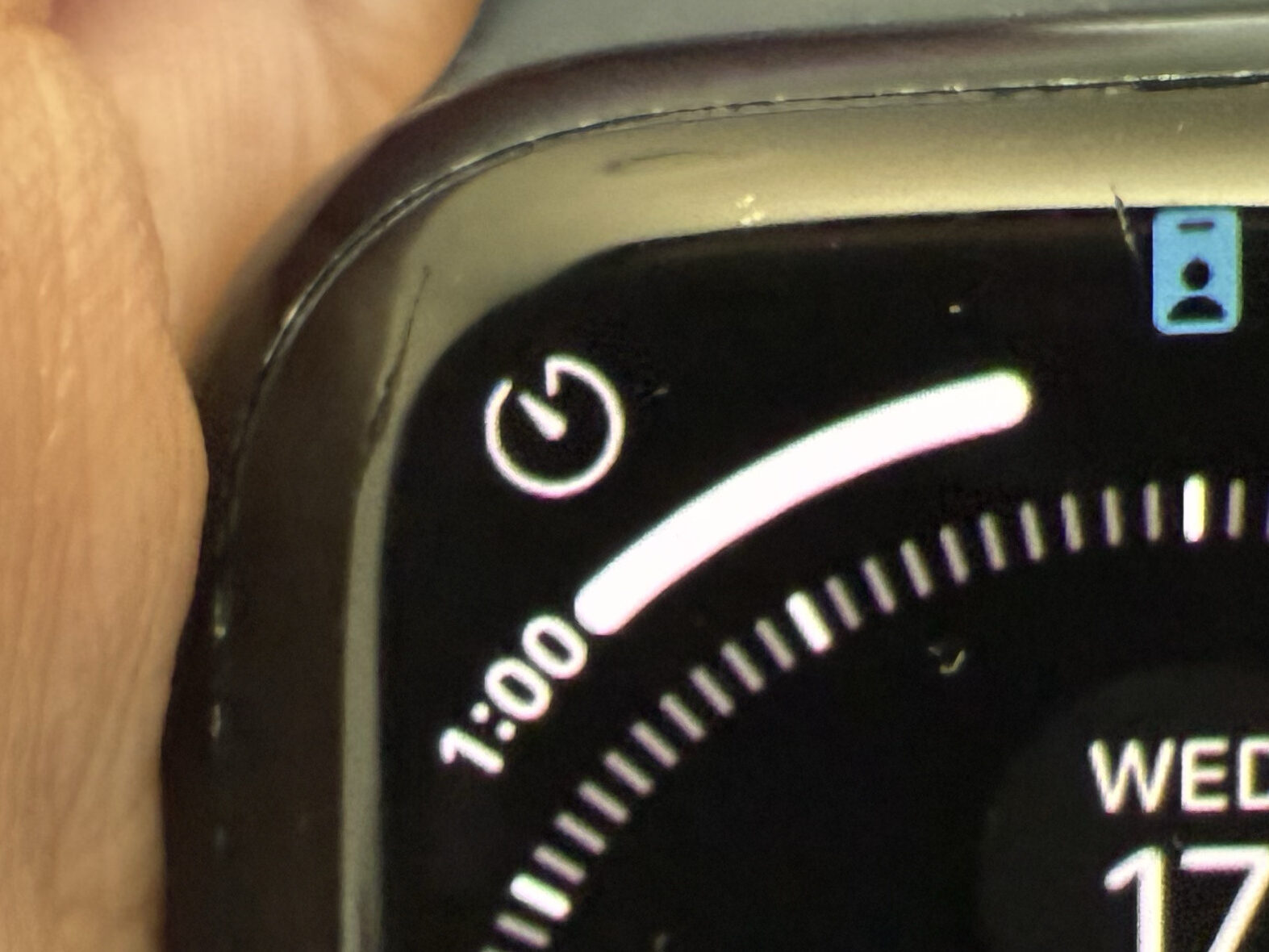
Timer
I use this for workouts and cooking.
Top Right
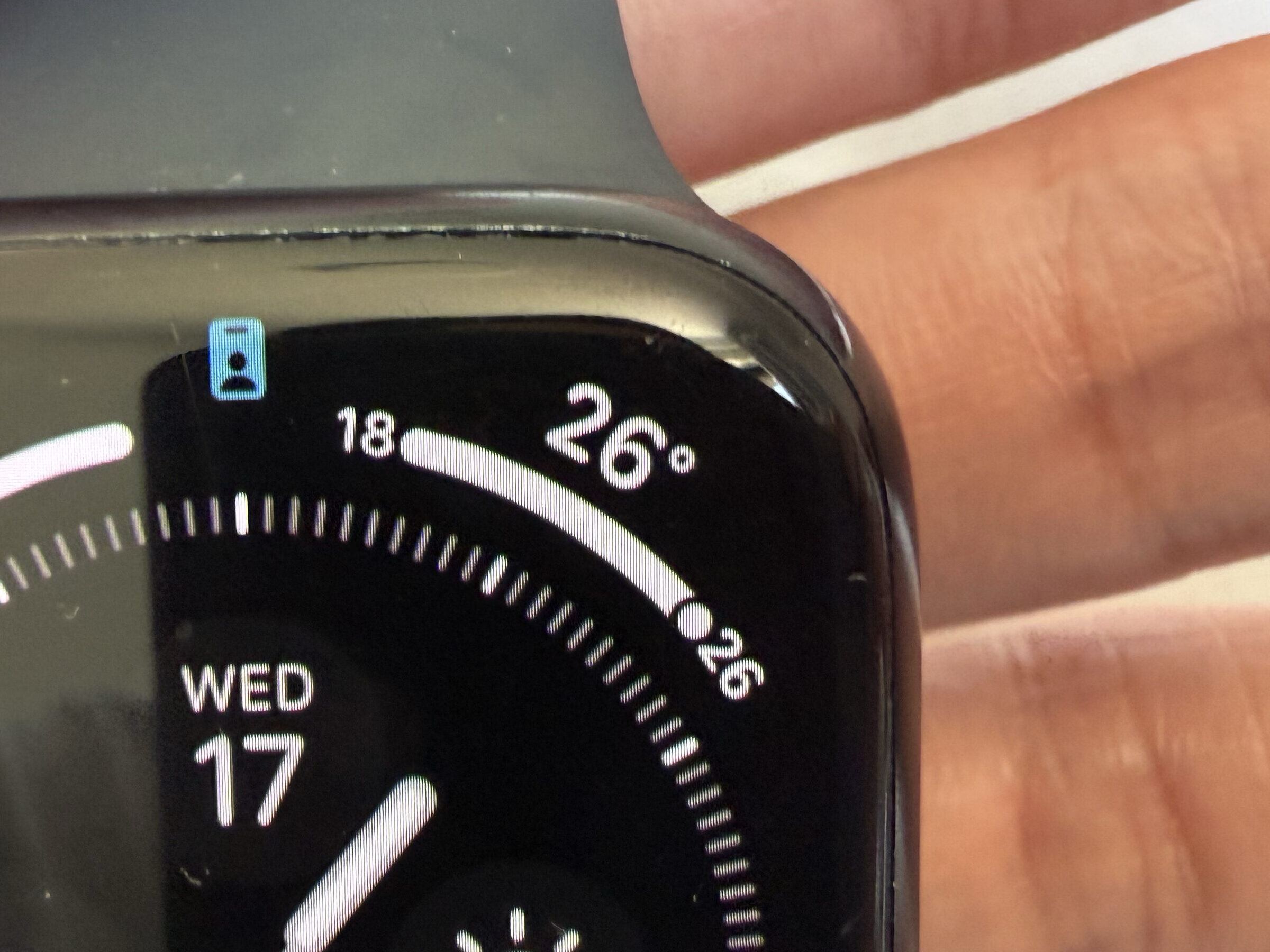
Temperature
I like to check the temperature before choosing what to wear, so I keep it on the watch face.
Bottom Left
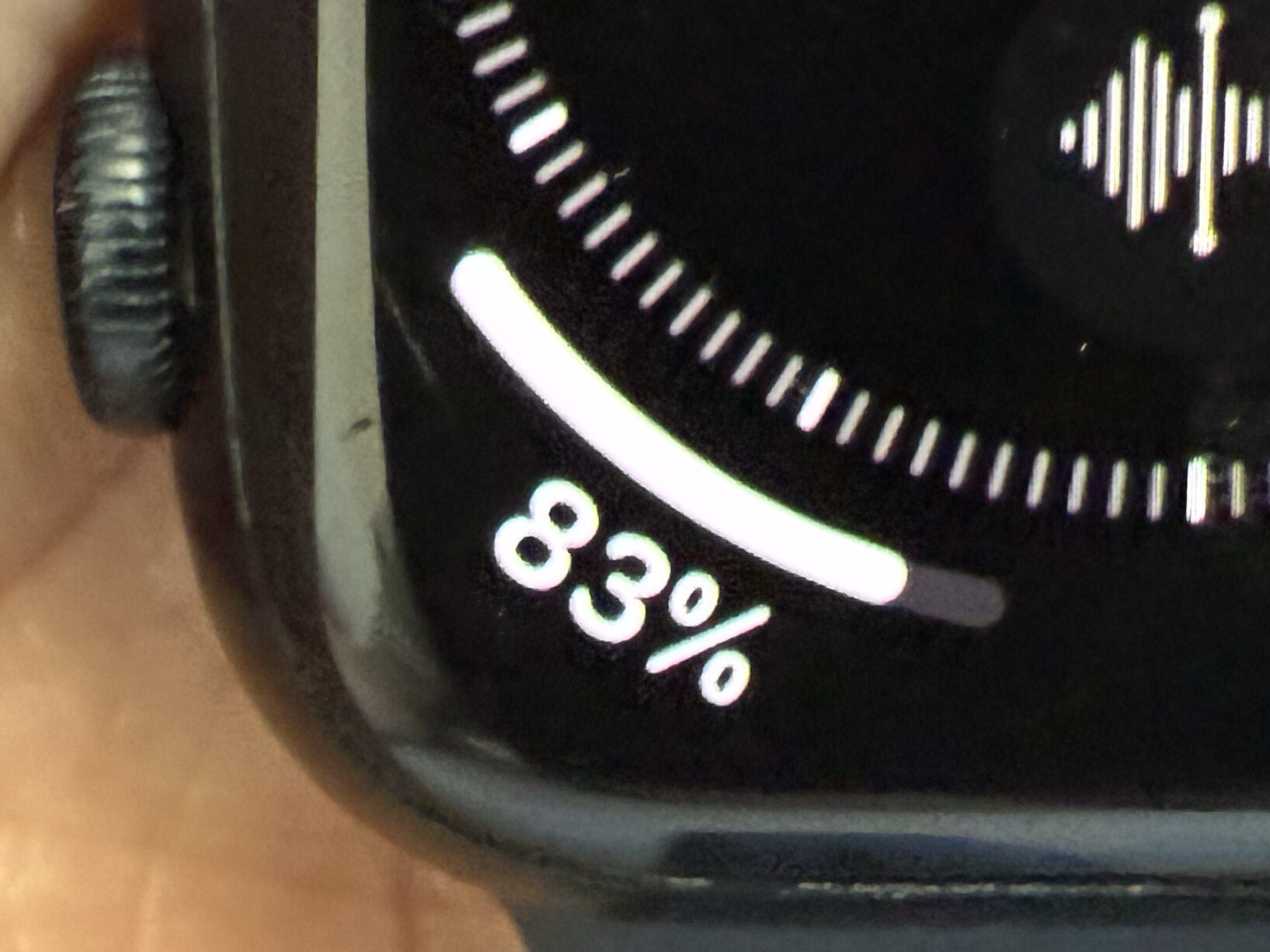
Battery
I sometimes forget to charge my Apple Watch.
Keeping the battery level visible helps prevent that.
Bottom Right
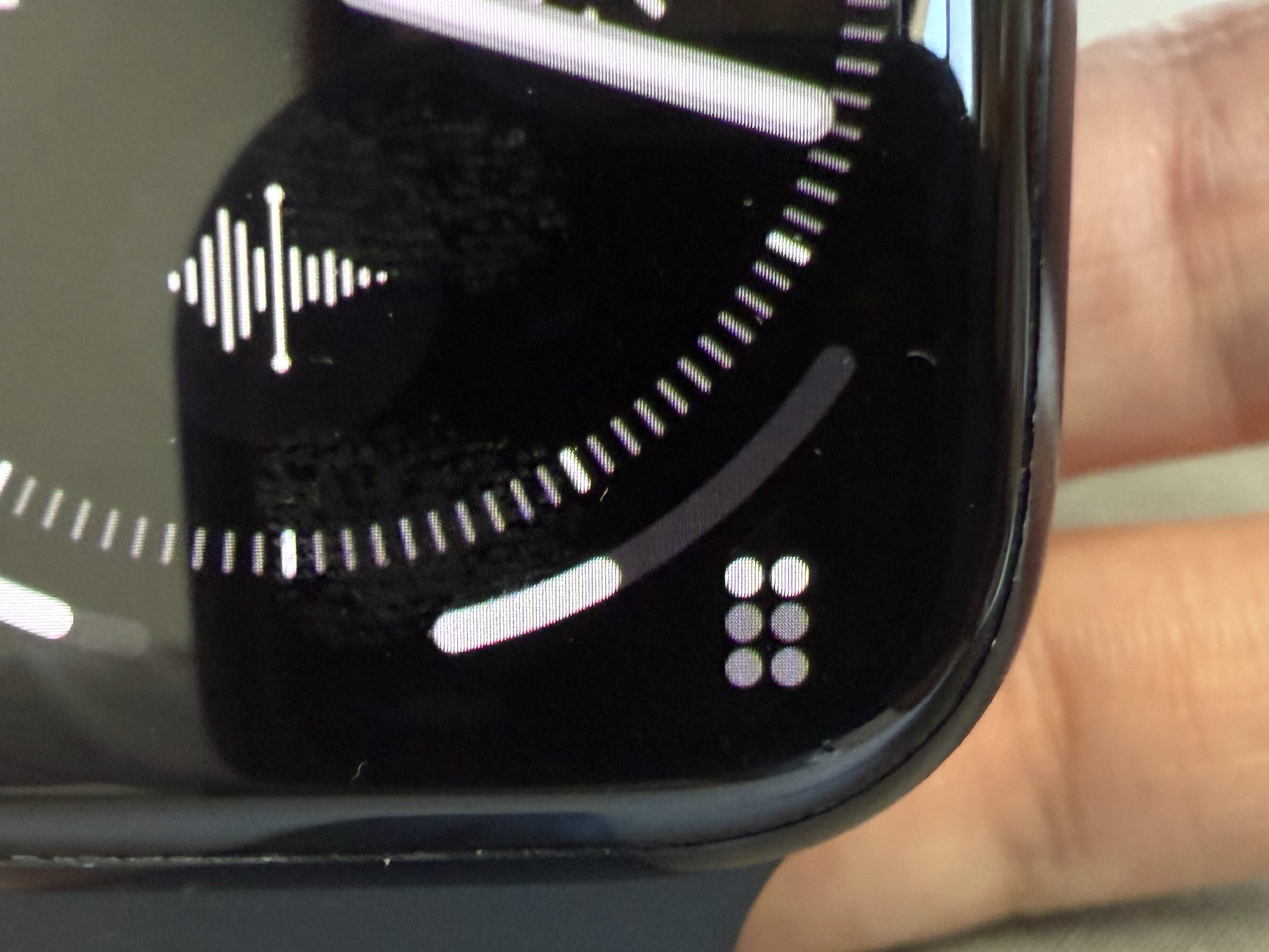
Streaks
This is the only habit-tracking app I use that syncs well with the Apple Watch.
It has a very clean UI with no unnecessary features.
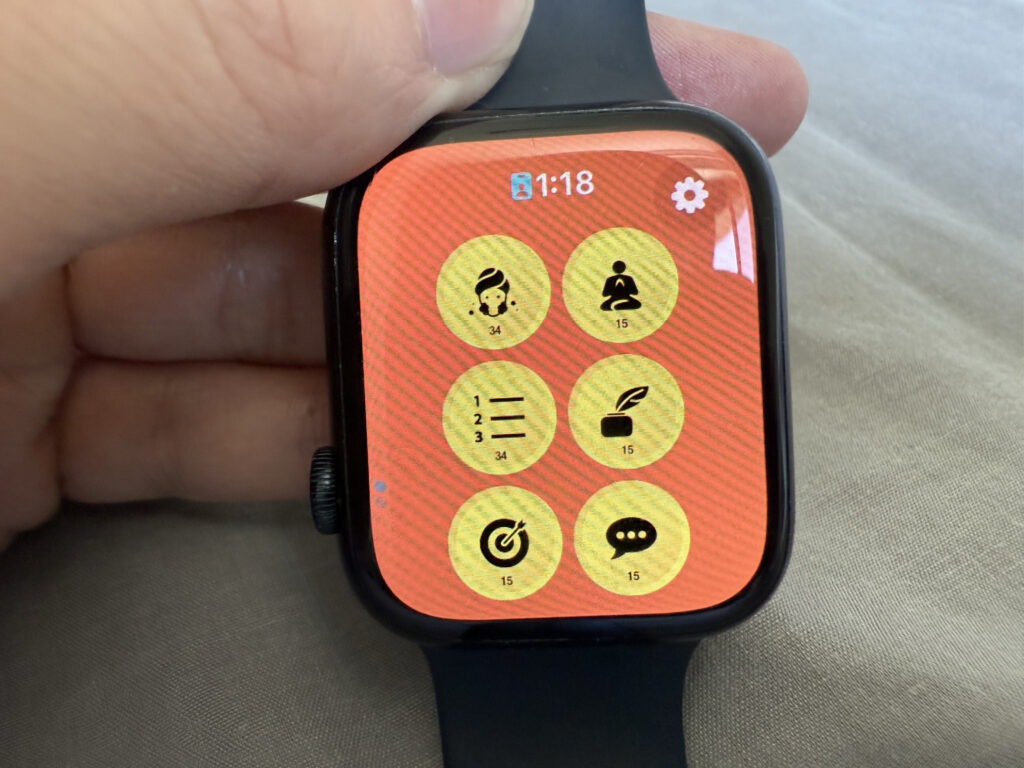
The only downside is that it’s a paid app.
I’ve written a review about it in the past.

Sub-dial Top
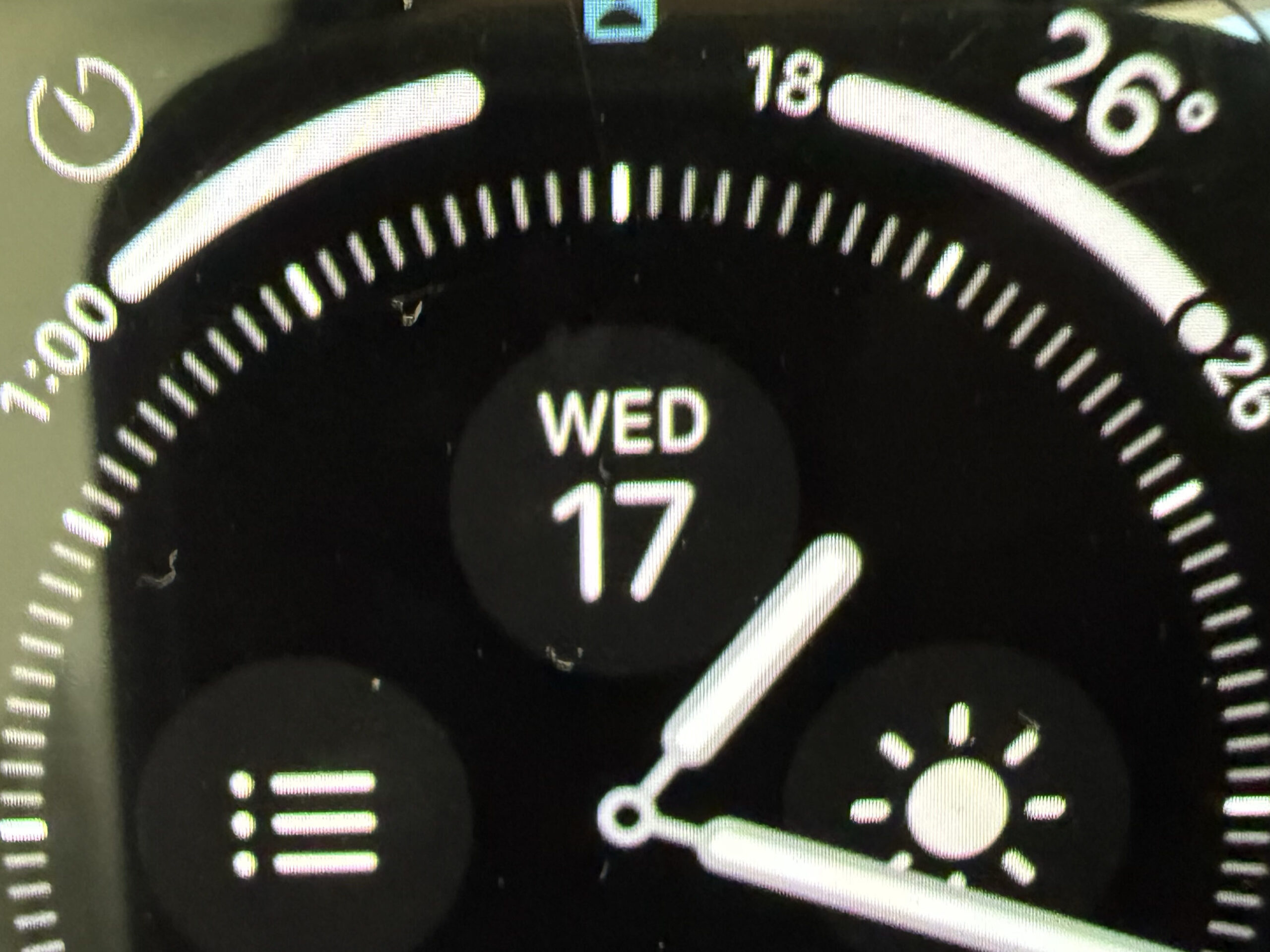
Date
I write in my journal every morning, and I often find myself wondering what today’s date is.
Sub-dial Left
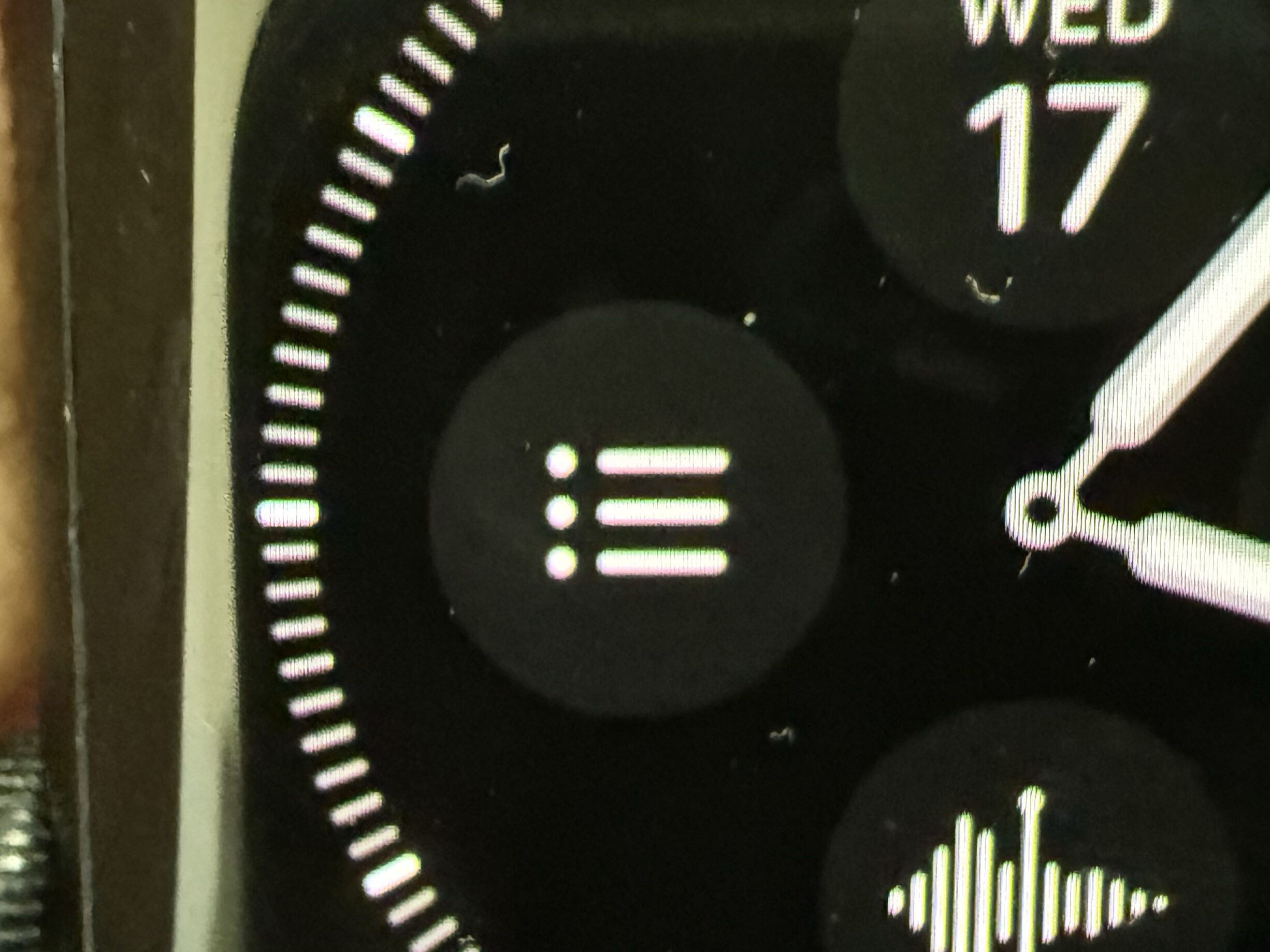
Reminders
A task management tool.
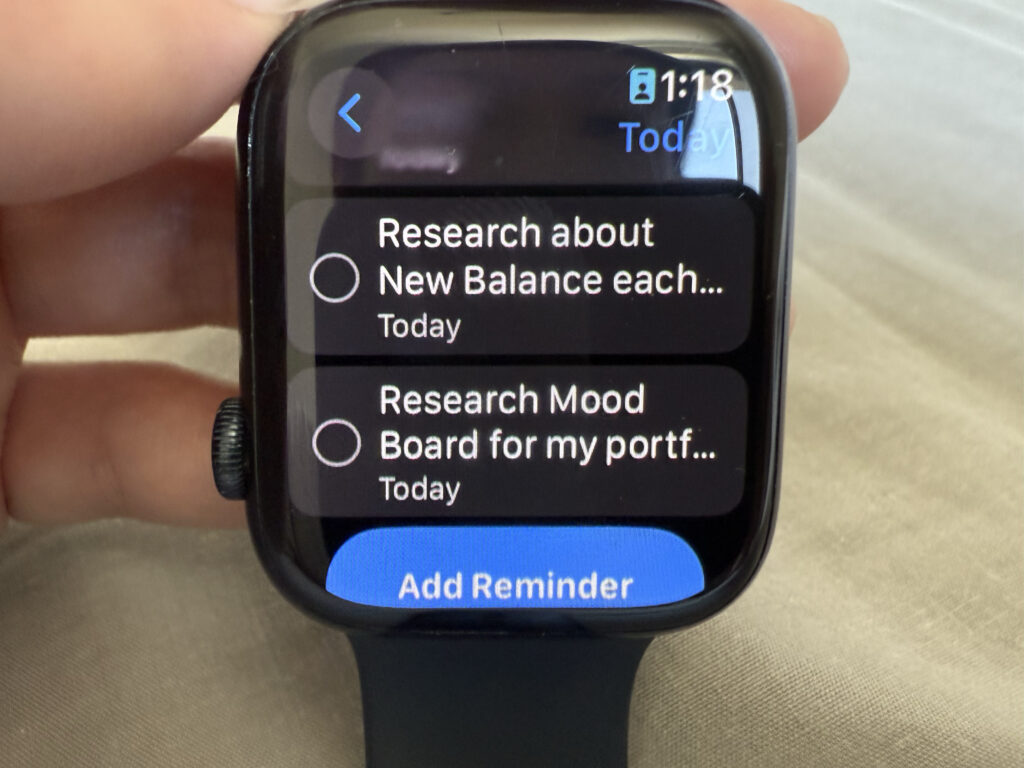
Being able to check tasks on the Apple Watch instead of my phone helps me stay focused.
I also manage my shopping list with Reminders.
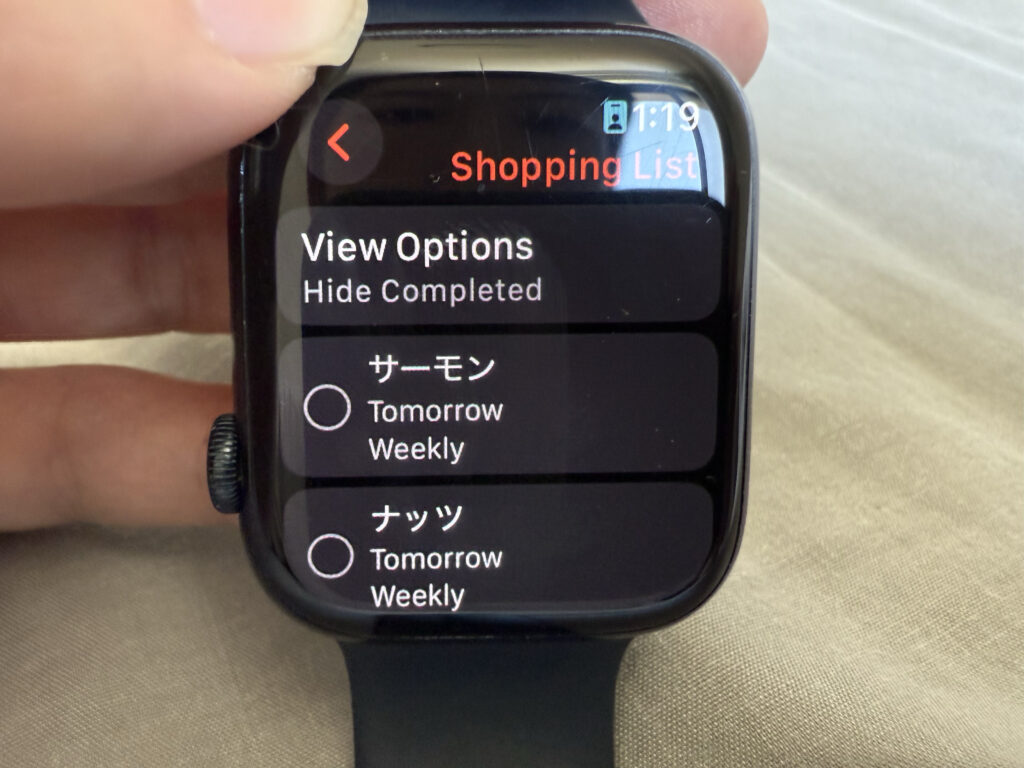
This way, I don’t have to take out my phone while shopping.
Sub-dial Right
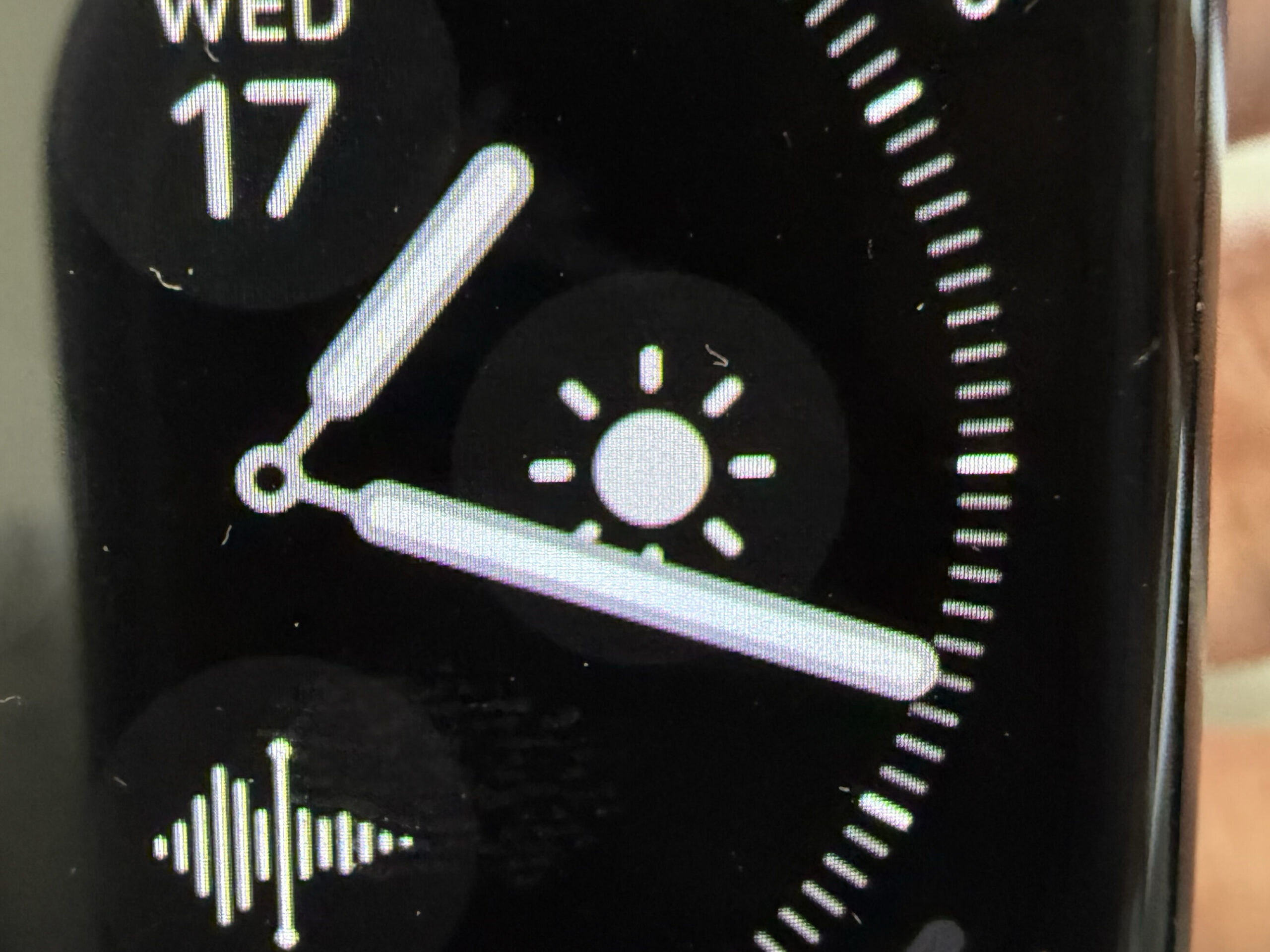
Weather
If it’s going to rain, I bring a folding umbrella.
That’s why I want the weather forecast to be visible at all times.
Sub-dial Bottom
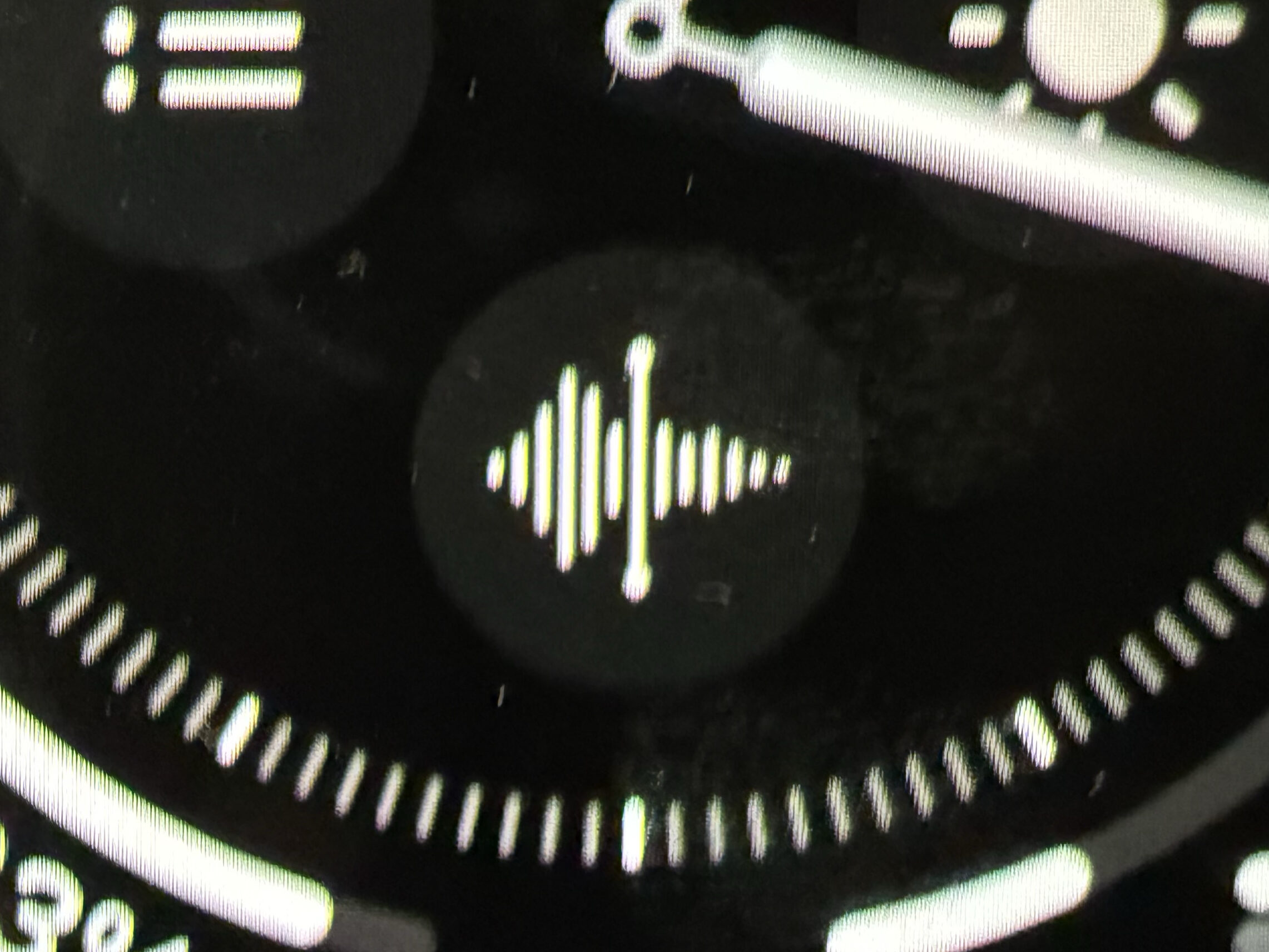
Voice Memos
I use voice memos when ideas come to me while I’m on the move.
Using a smartphone while walking can be dangerous.
Final Thoughts
This is the conclusion I reached after using an Apple Watch for three years.
The most important thing is to reduce how often you touch your phone.
For that purpose, the Apple Watch is an incredibly effective tool.
At this point, I believe this watch face is the best option for achieving that goal.
I hope it’s helpful for anyone using an Apple Watch with the same intention.
That said, everyone has a different lifestyle and a different reason for using an Apple Watch.
In that case, my setup may not be the best for you.
I encourage you to create a watch face that works best for your own needs.
If you have any questions, feel free to send me a DM or leave a comment.
Sayonara