
I spent too much time on Instagram and ended up not doing the things I wanted to do.
That used to happen to me quite often.
I felt this especially when I was looking for a new job.
I wanted to work on my applications, research companies, and prepare for interviews.
There was so much I needed to do.
But somehow, I would find myself scrolling through Instagram.
I knew I could be spending that time preparing for interviews instead.
It was frustrating.
And once I opened Instagram, I found it hard to stop.
The problem was that I also post Vlogs on Instagram, so quitting completely wasn’t really an option.
I needed to use it.
But I didn’t want it taking up so much of my time.
So I tried several different approaches.
Eventually, I managed to reduce my Instagram usage from around 90 minutes a day to just 10 minutes.
And what worked was surprisingly simple.
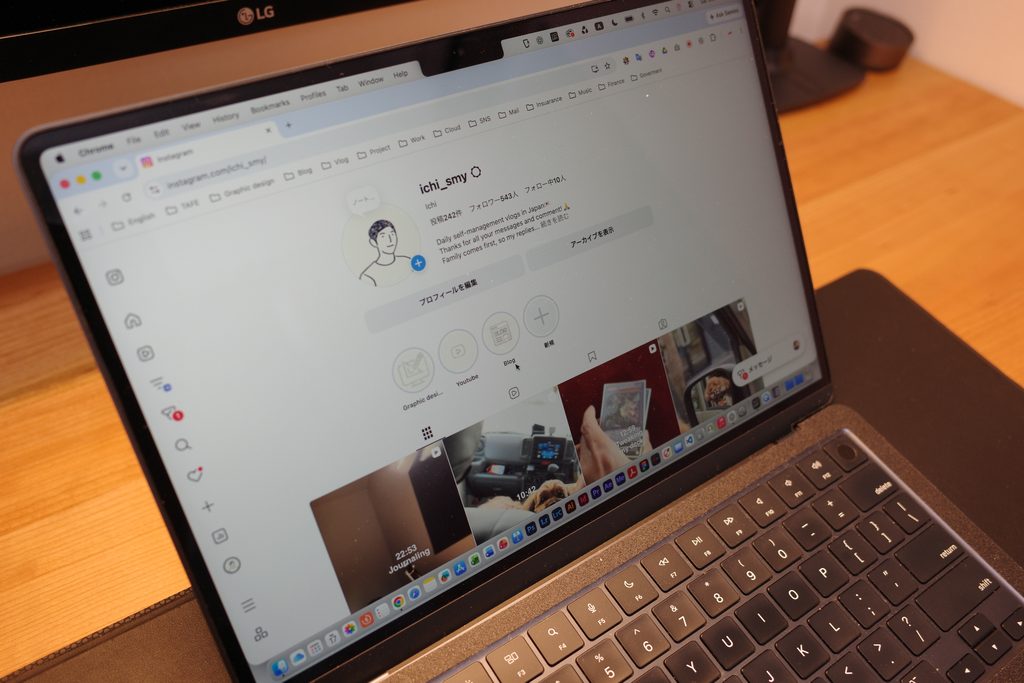
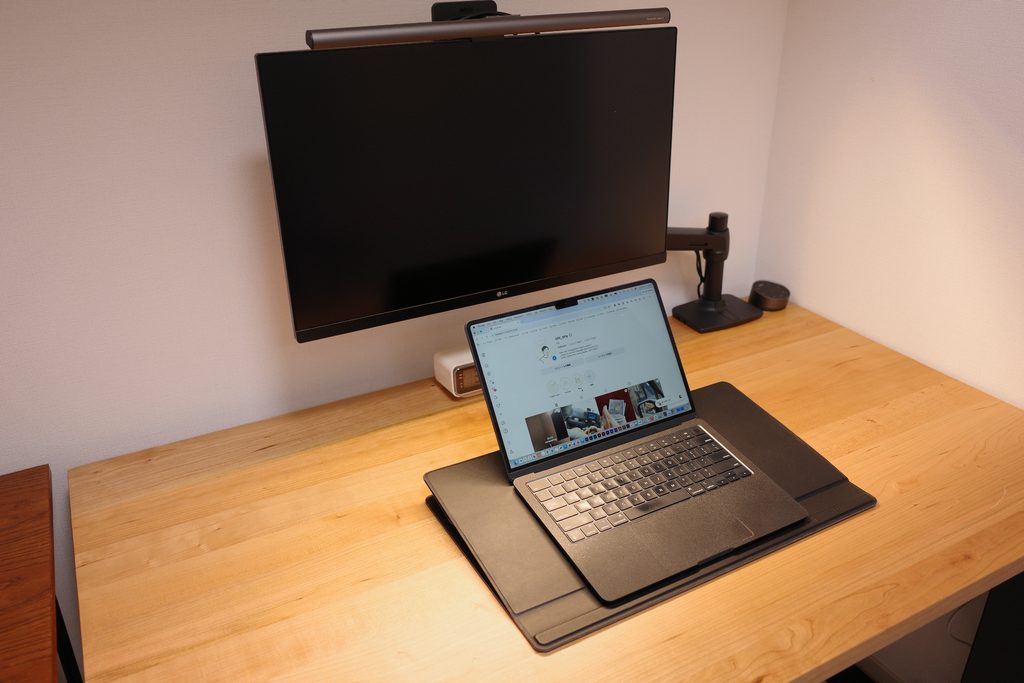
I deleted the Instagram app and started using Instagram only through my PC’s web browser.
In this article, I’ll share the trial and error that led me to this method and explain why it turned out to be the best solution for me.
First, I Tried Screen Time
My first idea was to limit how much time I could spend on Instagram.
The iPhone has a feature called Screen Time.
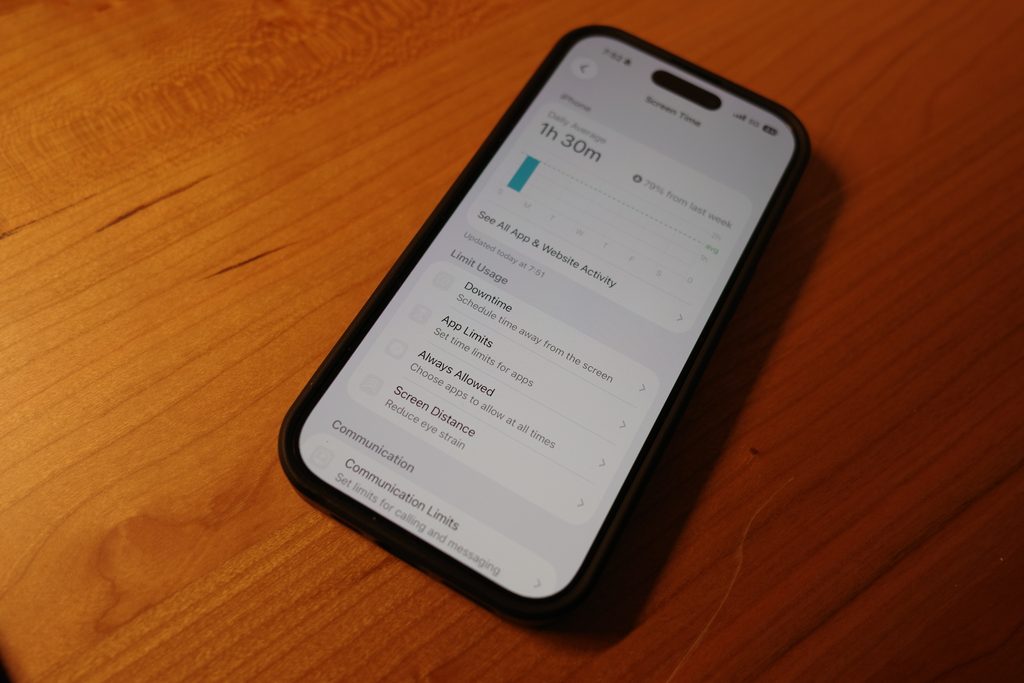
You can set a daily time limit for an app, and once you reach that limit, the app is restricted.
It sounded simple enough.
So I gave it a try.
But it didn’t work for me.
The reason was simple.
I could remove the restriction with just a tap.
I would reach my time limit, override it, and go straight back to Instagram.
I kept repeating the same thing.
A restriction that I could easily remove myself just wasn’t enough.
So I started thinking.
What if, instead of limiting my time, I made Instagram physically harder to access?
Then I Tried Using Instagram Only on My 12.9-Inch iPad Pro
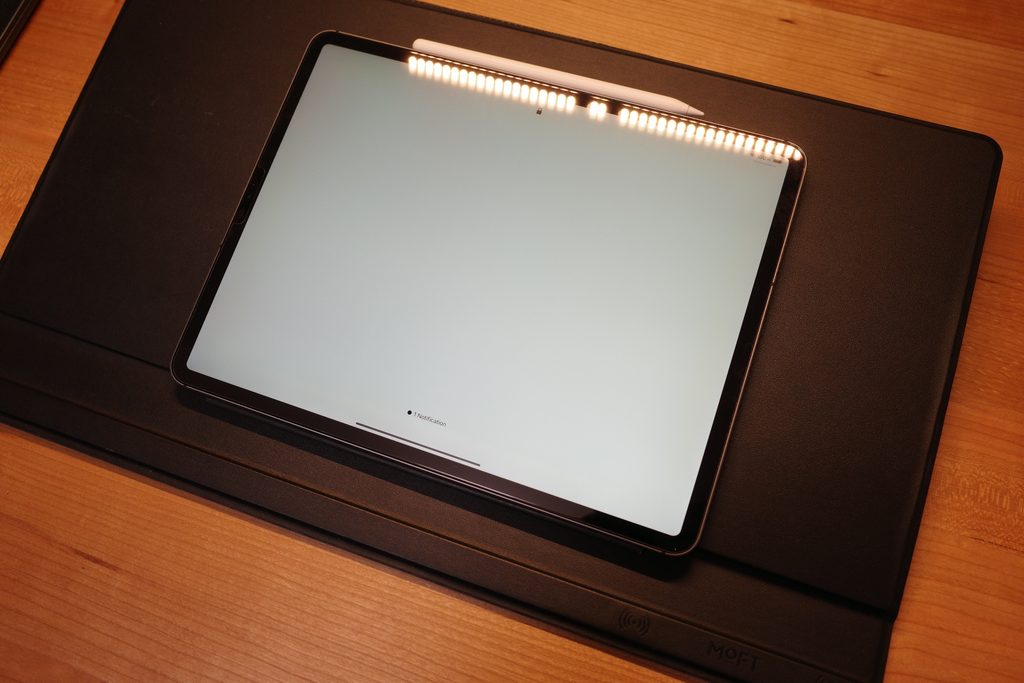
I had a 12.9-inch iPad Pro.
It was big.
And pretty heavy.
Unlike my iPhone, it wasn’t something I could casually pick up whenever I wanted.
I thought that if I deleted Instagram from my iPhone and used it only on my iPad, I might naturally spend less time on it.
So I tried it.
And it did reduce how often I opened Instagram.
So far, so good.
But there was one problem.
Once I opened Instagram, it was just as easy to use.
I was still using the Instagram app, so the experience was almost identical to using it on my phone.
One swipe, and the next piece of content appeared.
Then another.
And another.
In the end, once I opened Instagram, I still spent far too much time on it.
That’s when I realized something.
Making Instagram harder to open wasn’t enough for me.
I also needed to make it a little less convenient to use once it was open.
So I decided to stop using the app altogether.
Finally, I Switched to a Desktop Browser
I deleted the Instagram app from both my iPhone and iPad.
Then I started using Instagram only through a web browser on my PC.
And this finally worked.
I think the reason is that it solved both problems I’d discovered along the way.
It’s harder to open. And it’s less convenient to use once it’s open.
First, I don’t carry my PC around with me like I do my smartphone.
I usually use Instagram at my desk, on a large monitor.
That means I no longer find myself casually opening Instagram while sitting on the sofa or lying in bed.
And even when I do open it, the browser version isn’t as convenient as the app.
Sometimes my comments don’t go through properly.
Switching between multiple accounts is also a hassle.
It’s inconvenient.
But that inconvenience is exactly what I needed.
Smartphones and tablets are incredibly good at letting us consume content.
They’re lightweight, portable, and easy to use.
That’s why it can be so difficult to stop once you start scrolling.
A PC is a little different.
You generally sit at a desk to use it.
For me, it’s primarily a tool for creating things, whether that’s writing blog posts or getting work done.
So I moved Instagram into that environment.
There’s also another small benefit.
My large monitor is visible to my family.
If I were spending time with my family and someone was constantly looking at social media, I probably wouldn’t feel great about it.
Thinking about that makes me more conscious of how much time I spend on Instagram myself.
Nobody is telling me to stop.
But it acts as another small reminder.
By making Instagram harder to access and a little less convenient to use, I managed to reduce my daily usage from around 90 minutes to just 10 minutes.
I Only Install the App When I Need It
Of course, I still post Vlogs on Instagram.
So reducing my screen time wouldn’t mean much if I could no longer share my content.
Fortunately, most of what I need to do is possible through a desktop browser.
I can publish regular posts without any problems.
I can also check and reply to DMs.
The main difficulties are comments and Stories.
Sometimes I have trouble replying to comments through the browser, so I usually reply to them all at once on weekends.
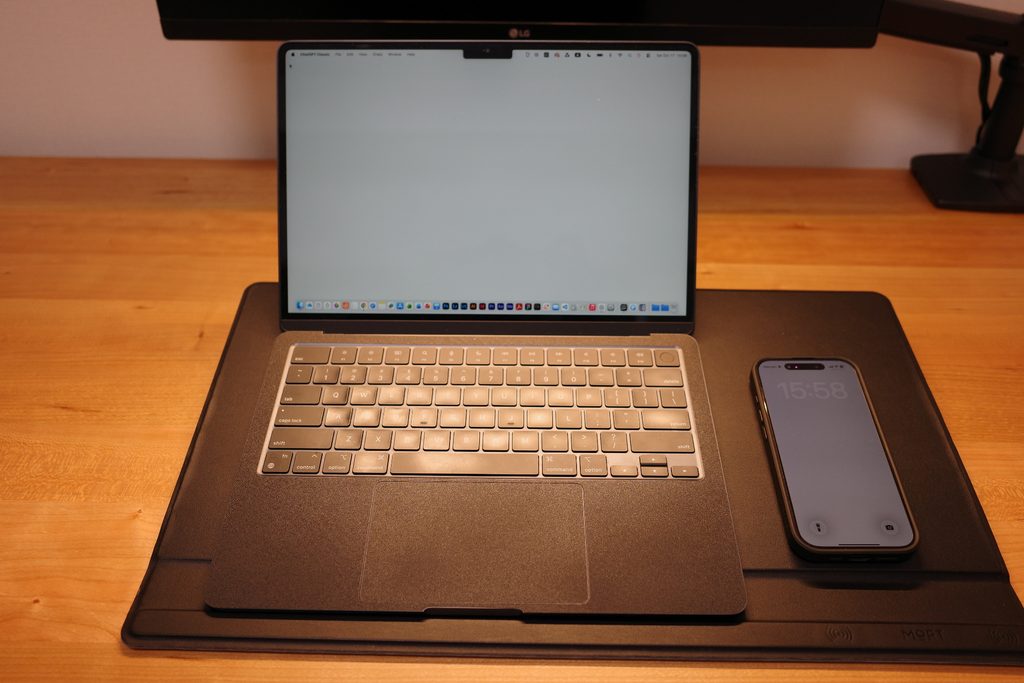
I install the app, reply to the comments, and delete it again when I’m done.
To everyone who regularly leaves comments, I’m sorry it sometimes takes me a while to reply. I do read every one of them.
I also install the app when I want to share a blog update through Instagram Stories.
And when I’m traveling and don’t want to carry my PC around, I’ll use the smartphone app if I need to.
In other words, I haven’t made a strict rule that I can never use the Instagram app.
I use the browser for everyday use and install the app only when necessary.
Reinstalling it every time is a little inconvenient.
But for now, this approach works best for me.
I Also Moved Conversations with Friends Away from Instagram
Another thing I’ve been doing is trying not to use Instagram as my main way of communicating with friends.
Sometimes I’d open Instagram just to check a DM, only to end up scrolling through other content.
So I’ve started asking people close to me to contact me through LINE or WhatsApp instead.
Of course, I don’t expect everyone to change how they communicate just for me.
But I want to keep communicating with people I care about separate from scrolling through social media as much as possible.
A Little Inconvenience Was Exactly What I Needed
First, I tried Screen Time.
But I kept overriding the limits.
Then I tried using Instagram only on my large, heavy iPad Pro.
But once I opened the app, it was still too easy to keep scrolling.
Finally, I found something that worked.
Deleting the app and using Instagram through a desktop browser instead.
Harder to access.
Less convenient to use.
Normally, we’d consider those disadvantages.
But for someone like me, who wanted to spend less time on Instagram, they became advantages.
As a result, I’ve been able to spend more time doing the things I actually wanted to do, like going to the gym, reading, and studying.
I don’t think using Instagram is a bad thing.
And how much time people choose to spend on it is entirely up to them.
But if you feel like Instagram is taking time away from things you genuinely want to do, you might want to try deleting the app and using the browser version instead.
For me, a little inconvenience turned out to be exactly what I needed.
My Daily Life in Japan
On this blog, I share my everyday life and the small changes I make to improve it.
I also document my daily routines in Japan through Vlogs on YouTube and Instagram.
If you’re interested in my everyday life, including work, studying, going to the gym, and reading, feel free to check them out.
Thanks for reading!